Skip to content

The best sublimation printers for 2026

A sublimation printer lays special inks on transfer paper that turn to gas under a heat press and bond with polyester fabric or a coated blank. The first question on this shelf is where the printer came from. A factory sublimation printer is sold for the job, with its own inks and a warranty that covers them; a converted inkjet is an office model filled with sublimation ink by the seller or the buyer, and the original maker's warranty rarely survives the conversion — the listing should say which it is. Paper width caps the size of a transfer, and a wide-format model makes shirt-front prints possible in one sheet. The ink system is refillable tanks or cartridges, and the difference is the running cost over a year. Color profiles matter because sublimation colors look dull on paper and only appear after pressing; a maker who publishes profiles for its inks and papers saves a box of test prints. Then connectivity, whether a driver exists for the computer in use, and what happens if the printer sits unused, since inks dry in the head. The result depends on the substrate too: cotton does not take sublimation, and a coated blank does. We compare factory or converted, paper width, ink system, published color profiles, connectivity and ink cost.

The machines compared on this page

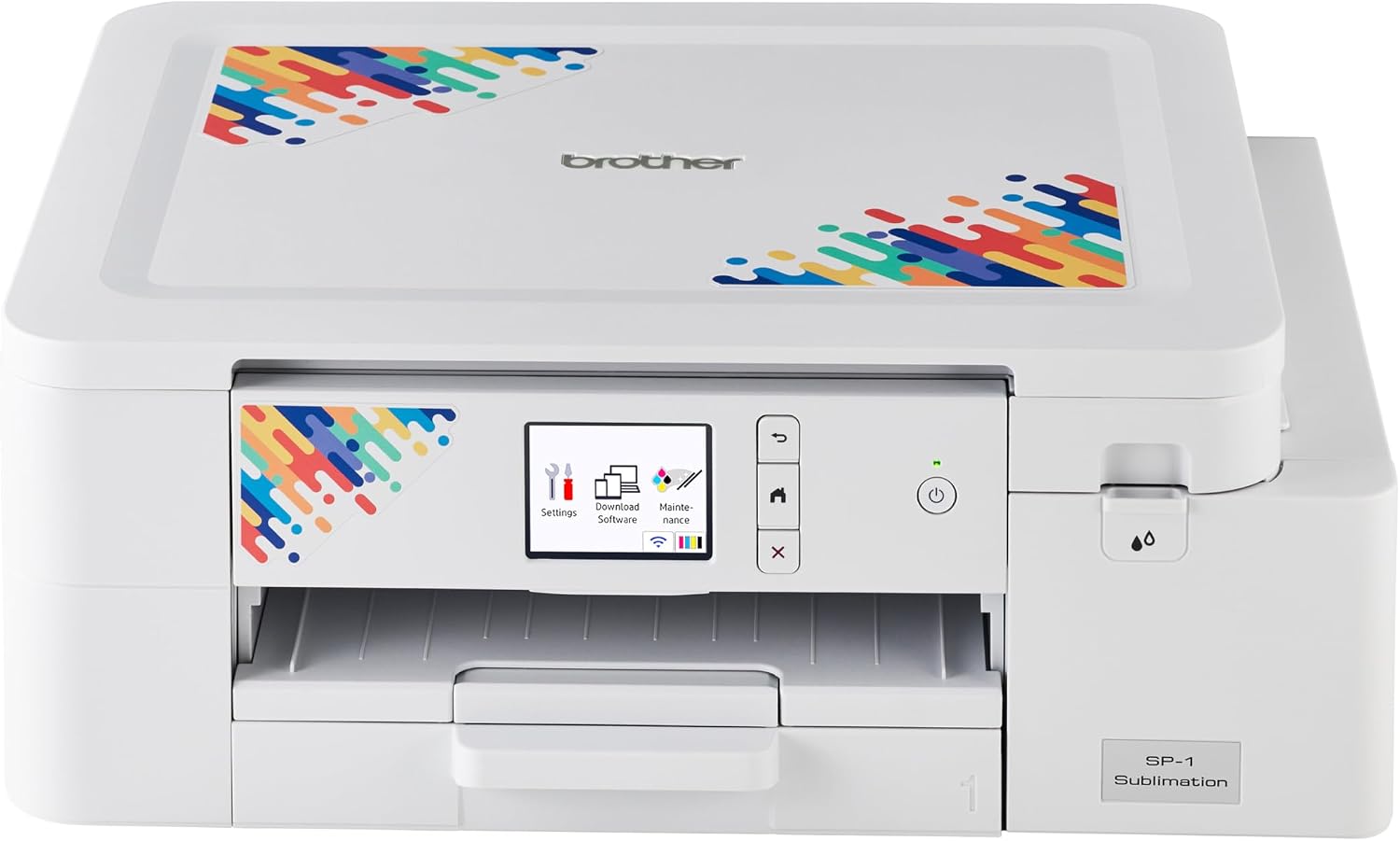
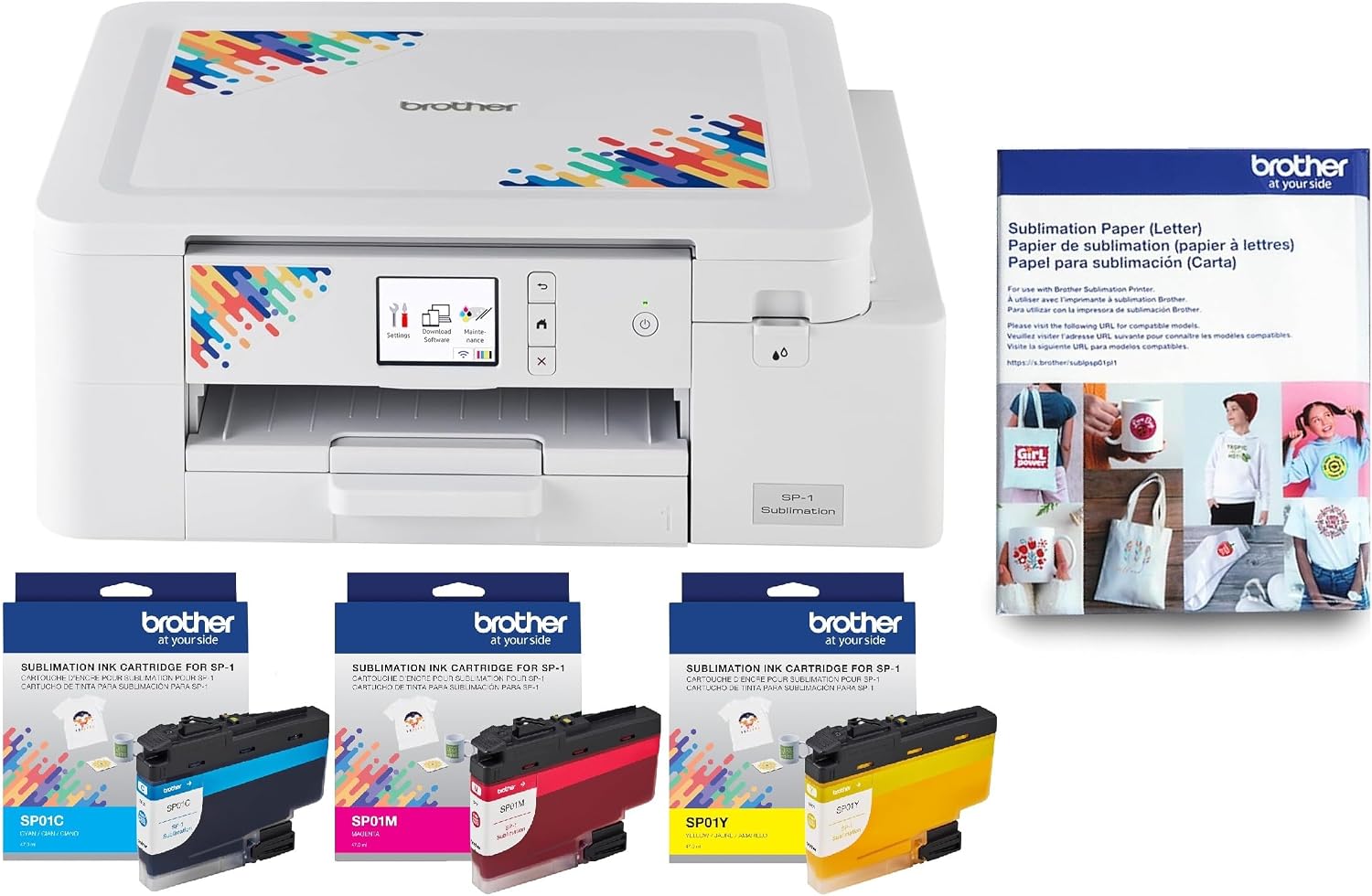
  1. Brother SP1

    Factory sublimation printer · Wi-Fi · Artspira app · cartridge-based · display screen · 7.9 lb

    Brother’s compact sublimation printer, driven by the Artspira phone app, with up to 20 saved images, and no desktop version when we read the listing.

    Best for: A beginner making personal items from a phone.

    8.0/10

    ≈ $399

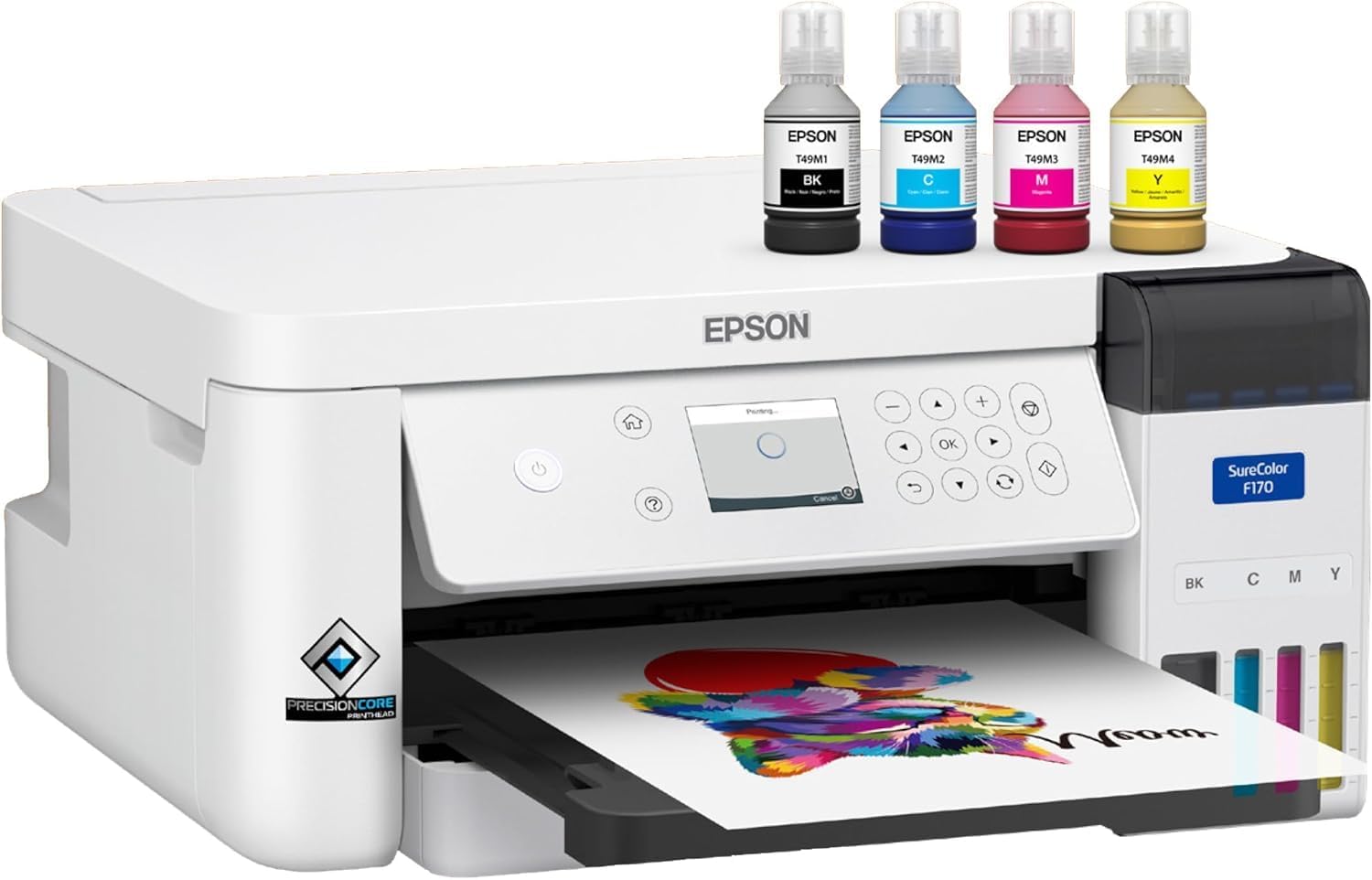
  2. Epson SureColor F170

    Factory dye-sublimation printer · 8.5 × 11 in · PrecisionCore head · bottled ink with auto-stop · 150-sheet tray · Wi-Fi, USB, Ethernet

    Epson’s desktop dye-sublimation printer, with a PrecisionCore head, bottled ink with auto-stop filling, and a 150-sheet tray, sold here by a third party.

    Best for: A hobbyist or seller who wants factory sublimation with low ink costs.

    8.0/10

    ≈ $399

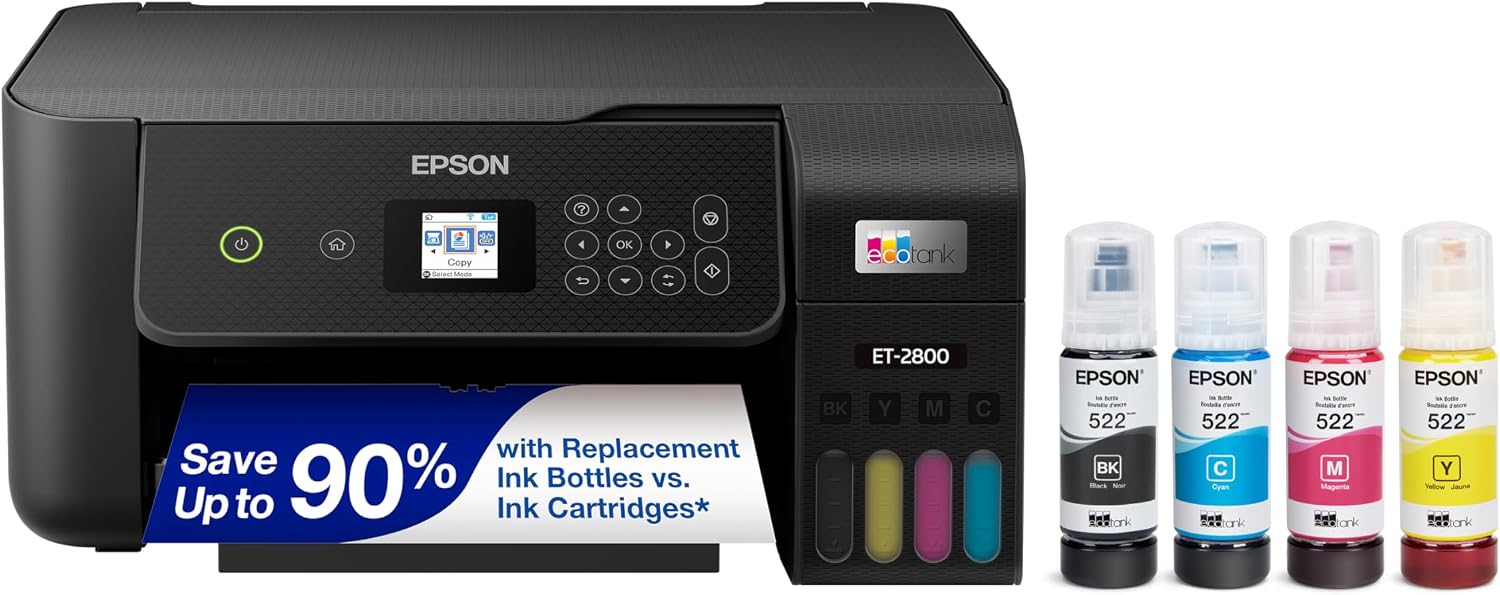
  3. Epson EcoTank ET-2800

    Office supertank printer, not a sublimation machine · refillable tanks · Wi-Fi · print, scan, copy

    An office supertank often converted to sublimation by owners. Epson sells it for regular ink and recommends genuine ink, so a conversion is at your own risk.

    Best for: A tinkerer who accepts a warranty risk to start cheaply.

    7.3/10

    ≈ $190

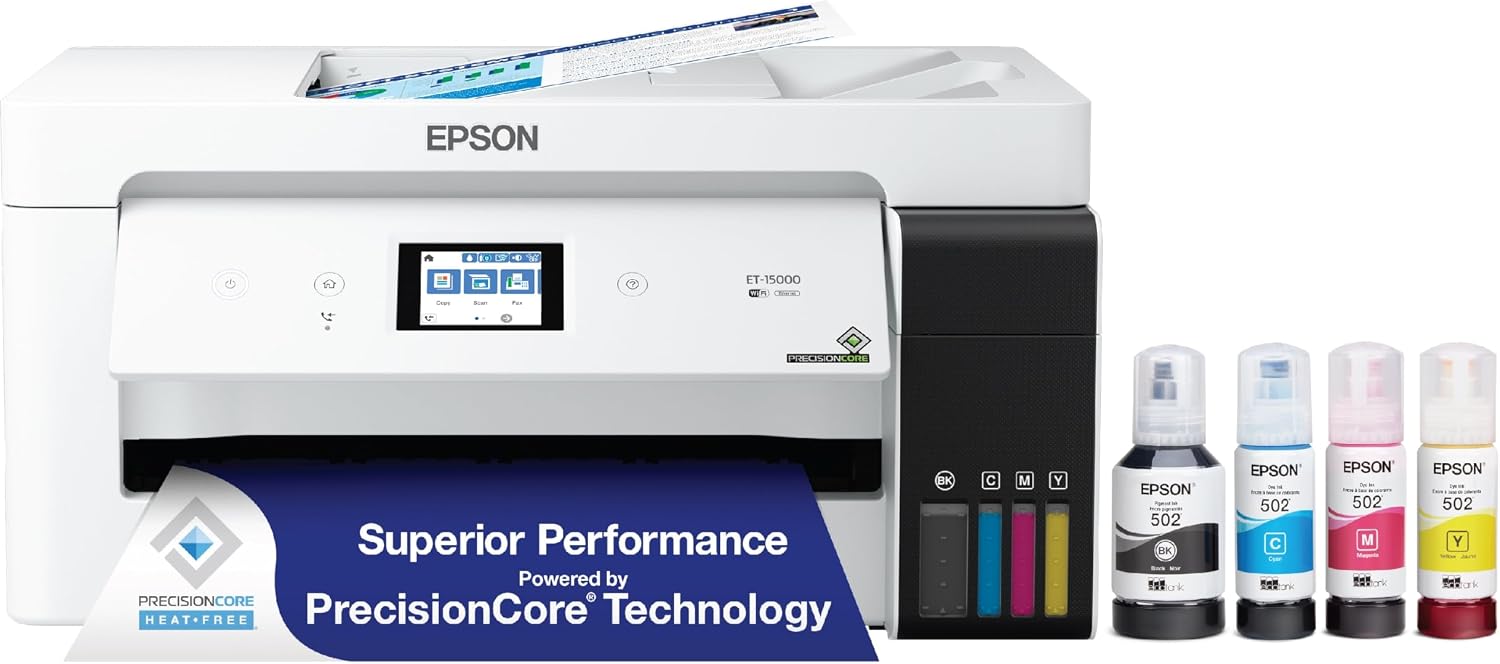
  4. Epson EcoTank ET-15000

    Wide-format office supertank, not a sublimation machine · 4800 × 2400 dpi · 17 ppm black, 9 ppm color · USB, LAN, Wi-Fi · fax

    A wide-format office supertank that hobbyists convert for 13 × 19 inch sublimation. It is not sold for that use, and the listing comes from a third party.

    Best for: A hobbyist who wants wide sublimation on a budget and accepts the risk.

    7.6/10

    ≈ $548

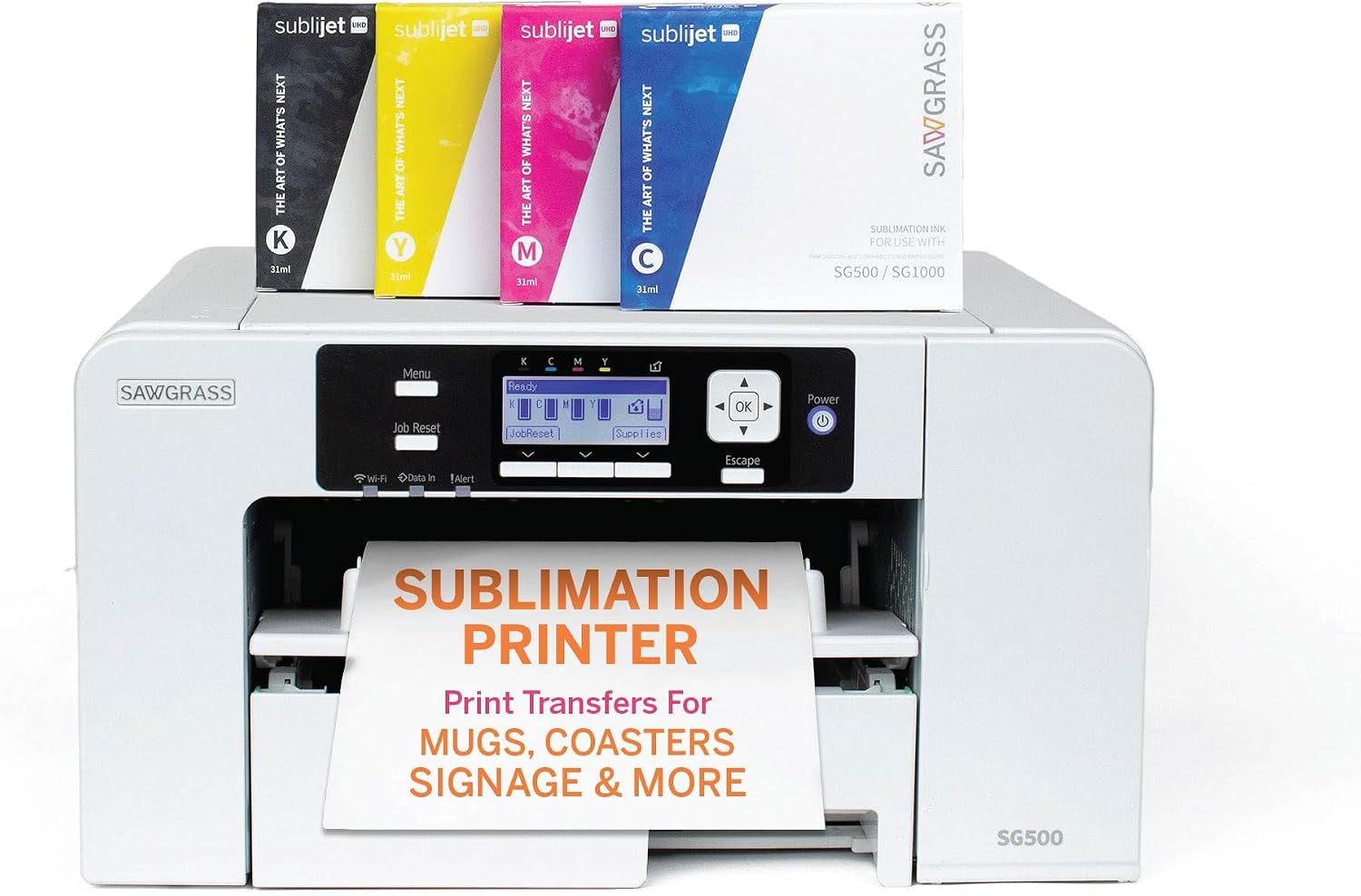
  5. Sawgrass SG500

    Factory sublimation printer · up to 8.5 × 14 in · SubliJet UHD inks · 31 mL CMYK · Wi-Fi · MySawgrass · auto maintenance

    A factory sublimation printer for media up to 8.5 × 14 inches, with SubliJet UHD inks, Wi-Fi, automatic print head maintenance and MySawgrass software.

    Best for: A small business that values support and consistent color over ink cost.

    7.8/10

    ≈ $660

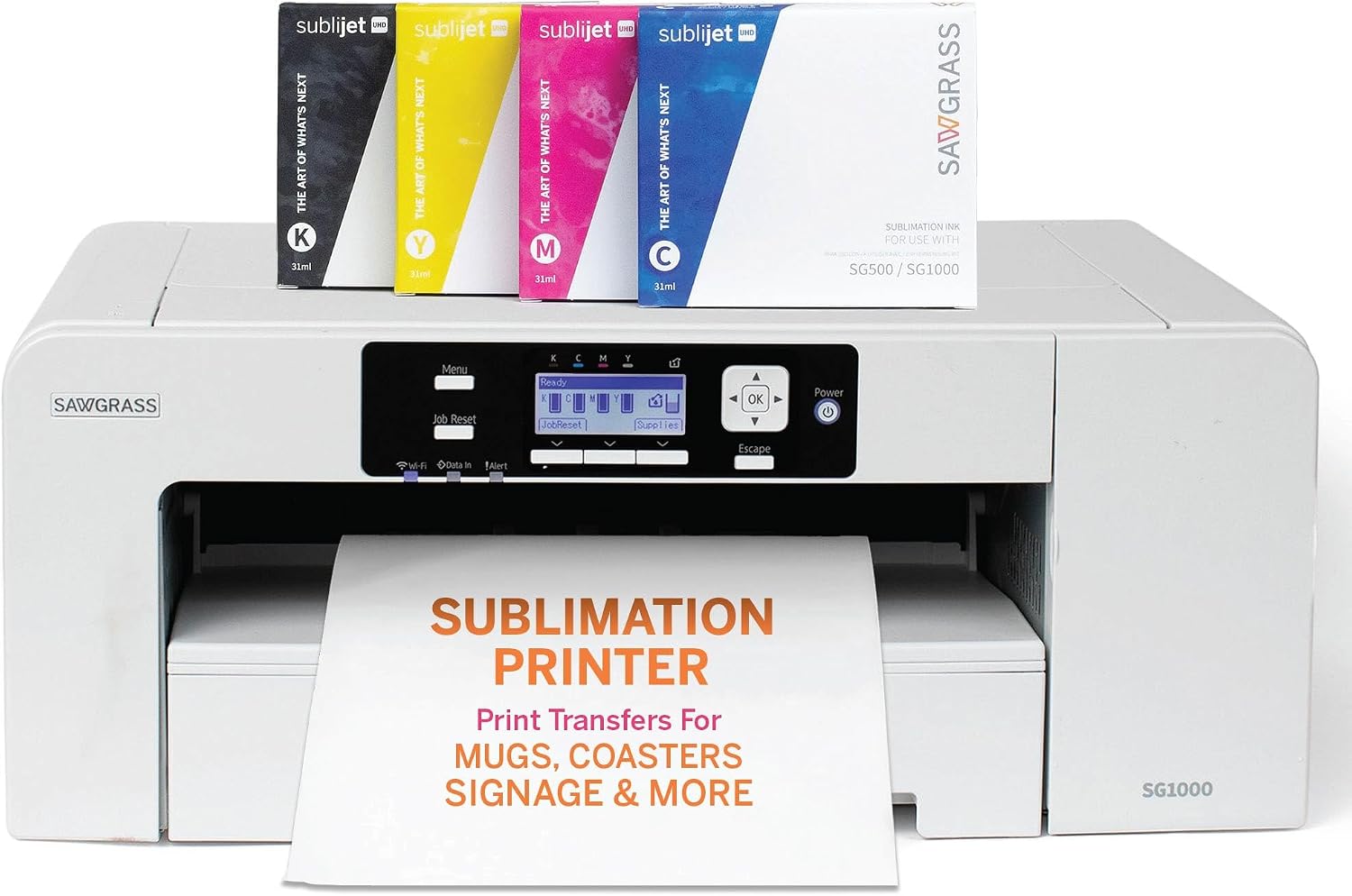
  6. Sawgrass SG1000

    Factory sublimation printer · up to 11 × 17 in · SubliJet UHD CMYK 31 mL · 2-year printer and ink warranty · 1:1 onboarding

    The tabloid-size Sawgrass: prints up to 11 × 17 inches, with a 2-year printer and ink warranty and a 1:1 onboarding session.

    Best for: A business printing shirts and larger panels.

    7.5/10

    ≈ $1700

By need, across sublimation printers

A factory printer with low ink costs

Bottled ink in a printer built for the job.

Epson SureColor F170

Consistent results and support

Sawgrass inks, software and auto maintenance.

Sawgrass SG500

Tabloid prints

11 × 17 inch output with a 2-year warranty.

Sawgrass SG1000

Across sublimation printers, who each type suits

Factory or converted machine
The published factory-or-converted note is decisive: it decides manufacturer support and what is warranted.
Sublimating now and then
The published ink system describes how ink is stored and delivered. That is what causes trouble after a long pause.
An existing workstation
Published connectivity says how the machine receives its files: cable, network or wireless.

The trade-offs to weigh on sublimation printers

Converted machine against warranty
The published factory-or-converted note decides the support framework. It is the first criterion in the shelf, before any printing specification.
Paper width against footprint
A wide format means a deep and heavy machine. Both are read together before buying.
Ink cost against purchase price
Published ink cost quickly catches up with the initial price gap on a regular production.

What gets asked about sublimation printers

What is a converted printer?

A machine originally sold for something else, filled with sublimation ink by a third party. The factory-or-converted note is published on every listing.

Which paper width should be chosen?

The published paper width sets the maximum transfer. It is read with the size of the press used.

What does the ink system describe?

How ink is held and delivered: cartridges, tanks or a continuous system depending on the model.

Are color profiles supplied?

Published color profiles say so. Their absence means calibration work to be done yourself.

What is published ink cost worth?

It is a manufacturer figure. This site reports it and never estimates a cost per page by itself.

Can any fabric be printed on?

Sublimation requires compatible substrates. This site publishes printer specifications and no transfer protocol.

How does the machine connect?

Published connectivity specifies it. It decides integration with the existing workstation.

Does a sublimation printer print on plain paper?

It prints on transfer paper. This site publishes specifications and describes no office use.

The essentials of sublimation printers

Check whether the printer was built for sublimation. A conversion usually ends the warranty, and it is your problem from then on.

Overview: sublimation printers

  • Most affordable here: Epson EcoTank ET-2800, at $190.
  • Weight: 7.9 to 26.5 lb, on 4 of the 7 models.

The whole set of sublimation printers, as a table

Four machines in five must publish the value before a column is raised. Below that, it would be comparing absences.

ModelPriceType
Epson EcoTank ET-2800$190Inkjet supertank, sold for office use
Brother SP1$399Dye sublimation
Epson SureColor F170$399Factory dye sublimation
Epson EcoTank ET-15000$548Inkjet supertank, sold for office use
Brother SP1 bundle$560—
Sawgrass SG500$660Factory dye sublimation
Sawgrass SG1000$1700Factory dye sublimation

What a budget prints on this shelf

Lower range

$190 – $399

2 models

Epson EcoTank ET-2800, Brother SP1

Mid range

$399 – $548

2 models

Epson SureColor F170, Epson EcoTank ET-15000

Upper range

$560 – $1700

3 models

Brother SP1 bundle, Sawgrass SG500, Sawgrass SG1000

Where the specifications are read

Specifications: manufacturer sheets for maker machines and tools and the matching Amazon product pages. Prices and availability: Keepa. Every figure in this table names its source.

Most recent revision in this category: November 1, 2026.

What we judge sublimation printers on

A price quoted in the text of a MakerVerdict page dates from the day that page was written; the live figure beside each product is fetched while you read and replaces it.