Skip to content

The best CO2 laser engravers for 2026

A CO2 engraver fires a gas laser from a tube along mirrors to a head, and it cuts clear acrylic and thicker wood that a diode machine cannot. Everything around the tube is part of the purchase. Tube power is quoted in watts and describes the tube rather than what arrives after the mirrors; tubes are also consumables, and makers publish an expected life where they are candid. Bed size is the declared working area inside the case, and a pass-through door front and back lets longer material slide through. Cooling is the specification buyers forget: the tube needs a water loop, either a chiller or a pump and reservoir, and the listing says which is included. The exhaust is not optional — engraving smoke has to leave the building through a duct or be filtered by a unit the maker names — and the instructions decide how. A built-in camera for placing designs on the material saves test runs. Then the protection published: laser class, a lid interlock that stops the beam when opened, and an emergency stop. This site reports what the maker states and does not call any arrangement safe. We compare tube power, bed size, cooling, exhaust provision, pass-through, camera, interlocks and published laser class.

The machines compared on this page

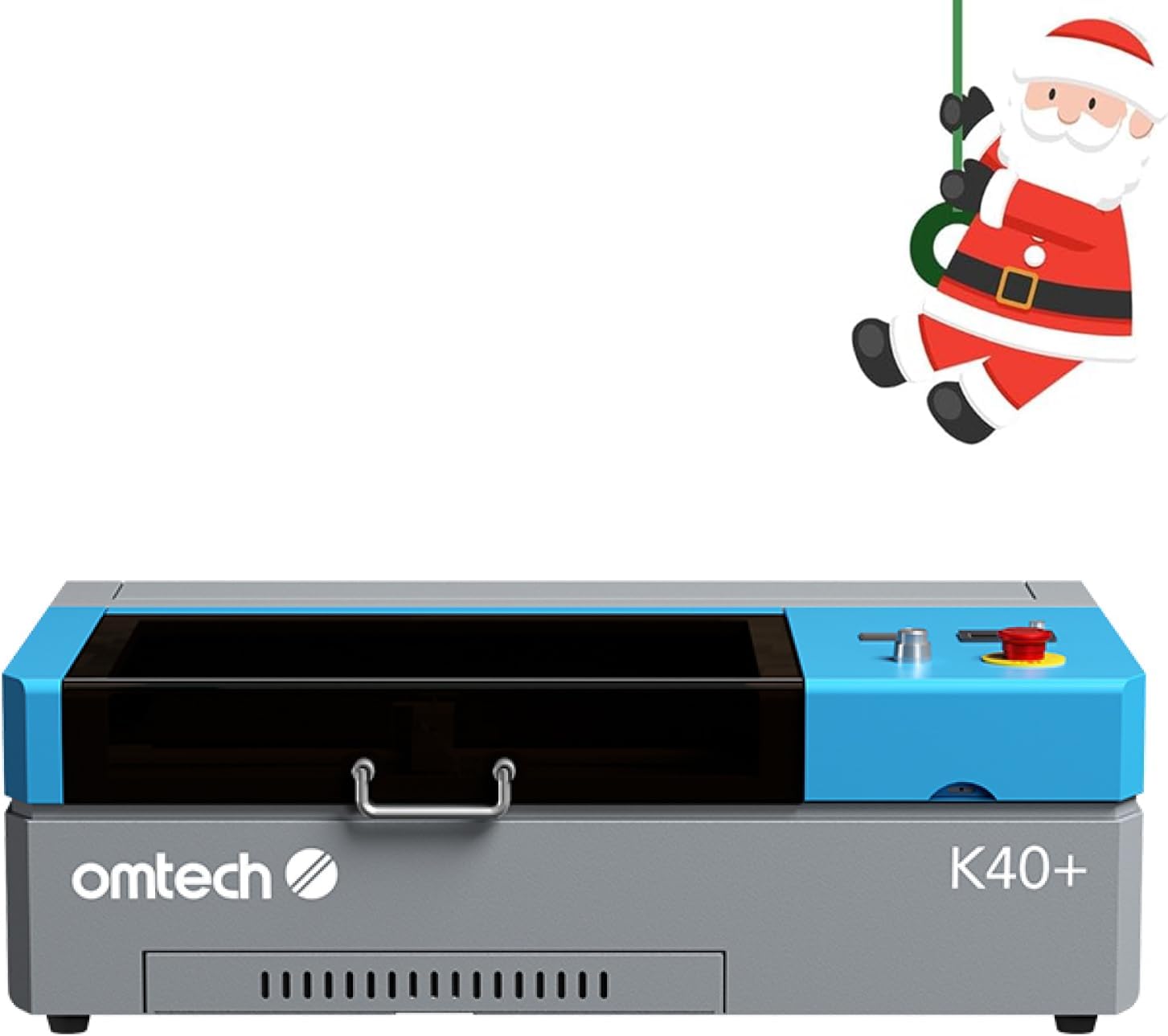
  1. OMTech K40+ 45W

    Desktop CO2 laser · 45 W · 12 × 8 in work area · up to 300 mm/s · 45° air assist · LightBurn and LaserGRBL

    A desktop CO2 laser with a 45 W tube and a 12 × 8 inch workspace, rated to cut 0.4 inch acrylic and 0.31 inch wood, with LightBurn support.

    Best for: A hobbyist who wants a real CO2 machine at the lowest cost.

    7.9/10

    ≈ $800

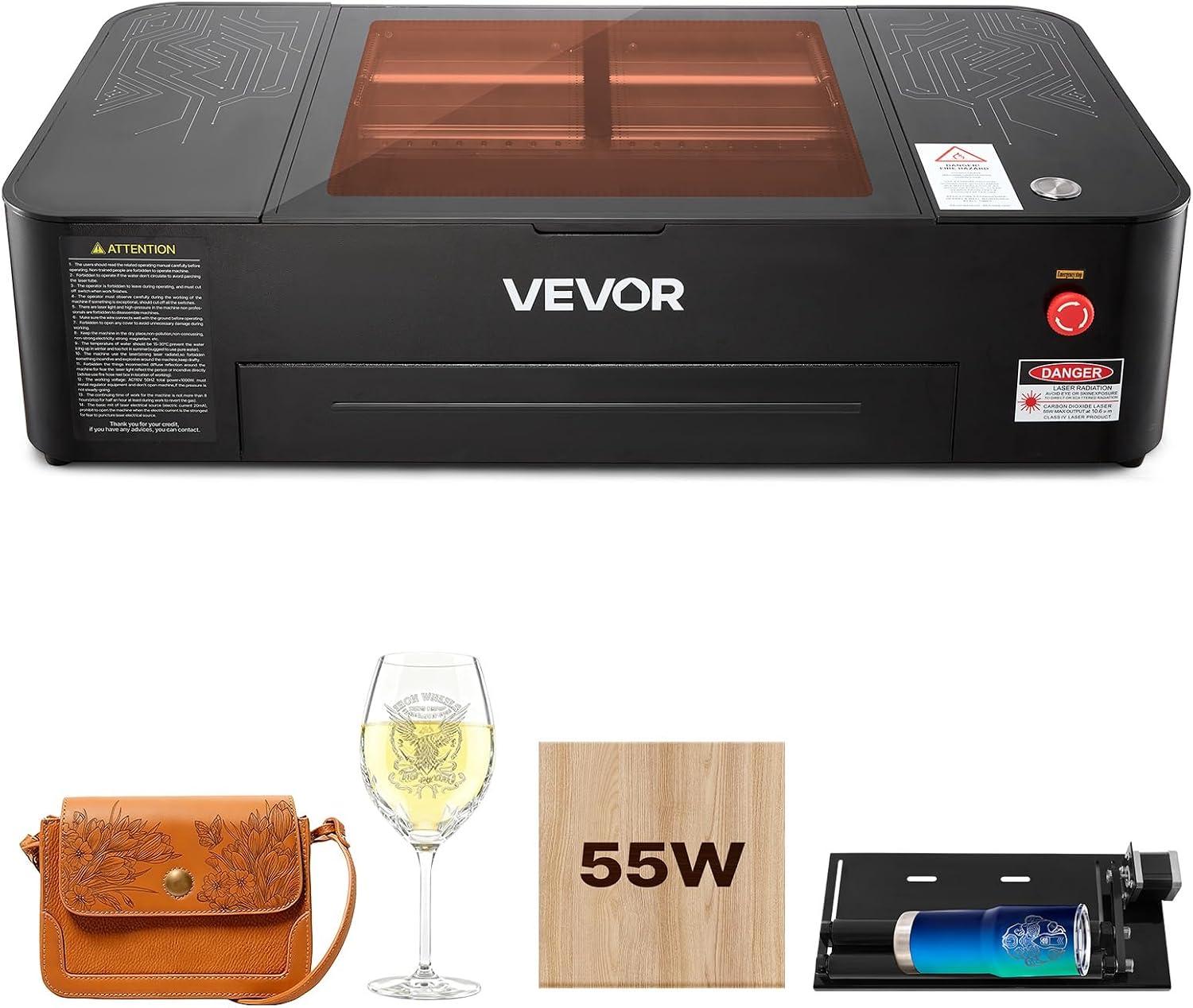
  2. VEVOR 55W Desktop CO2

    Desktop CO2 laser · 55 W · 20 × 12 in · 5 MP camera · auto focus · water pump · rotary axis · LightBurn, RDWorks

    A desktop CO2 laser with a 55 W tube and a 20 × 12 inch work area, shipped with a 5 MP camera, a water pump and a rotary axis.

    Best for: A buyer who wants a complete CO2 kit and accepts little buyer feedback.

    7.5/10

    ≈ $2260

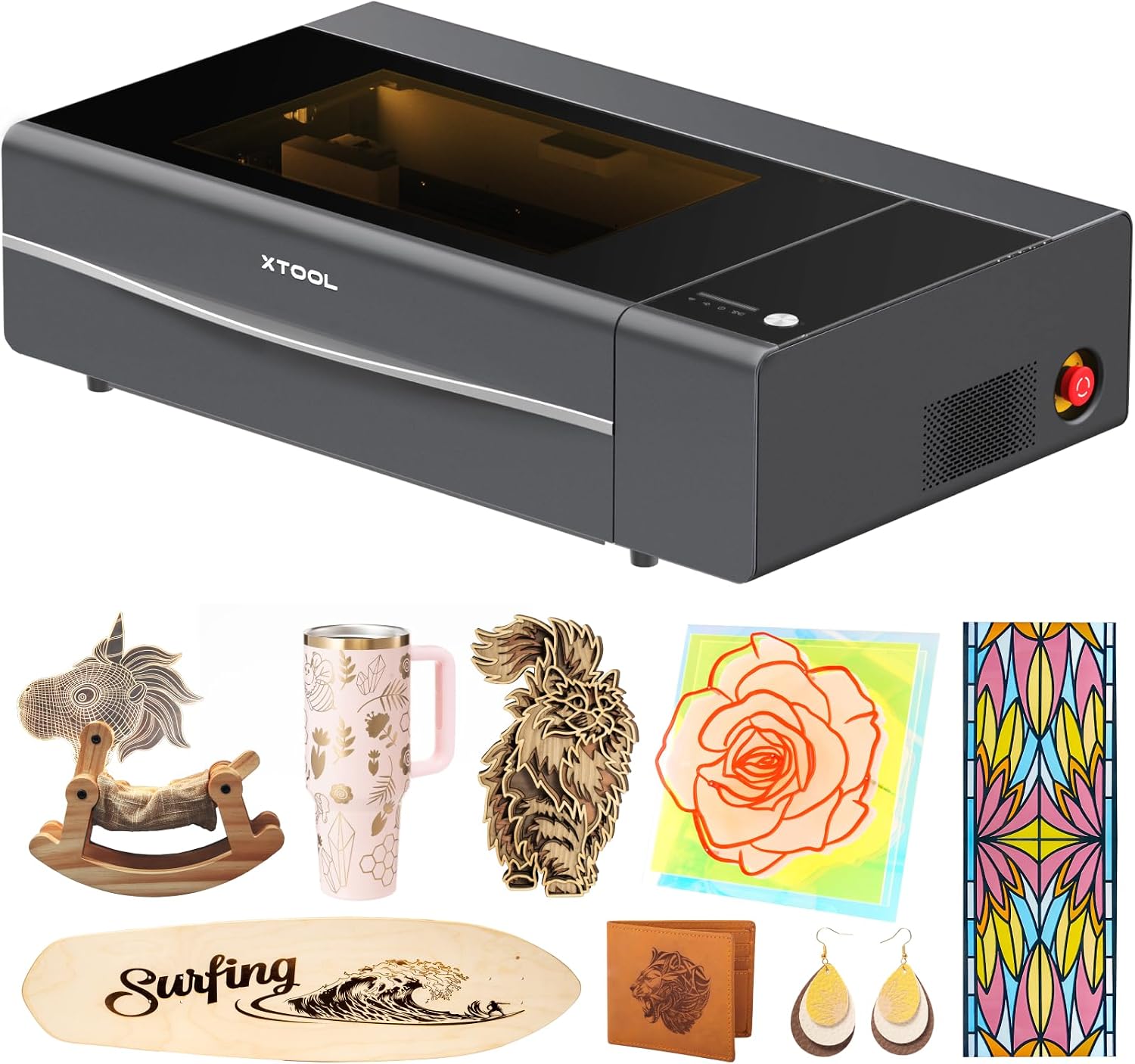
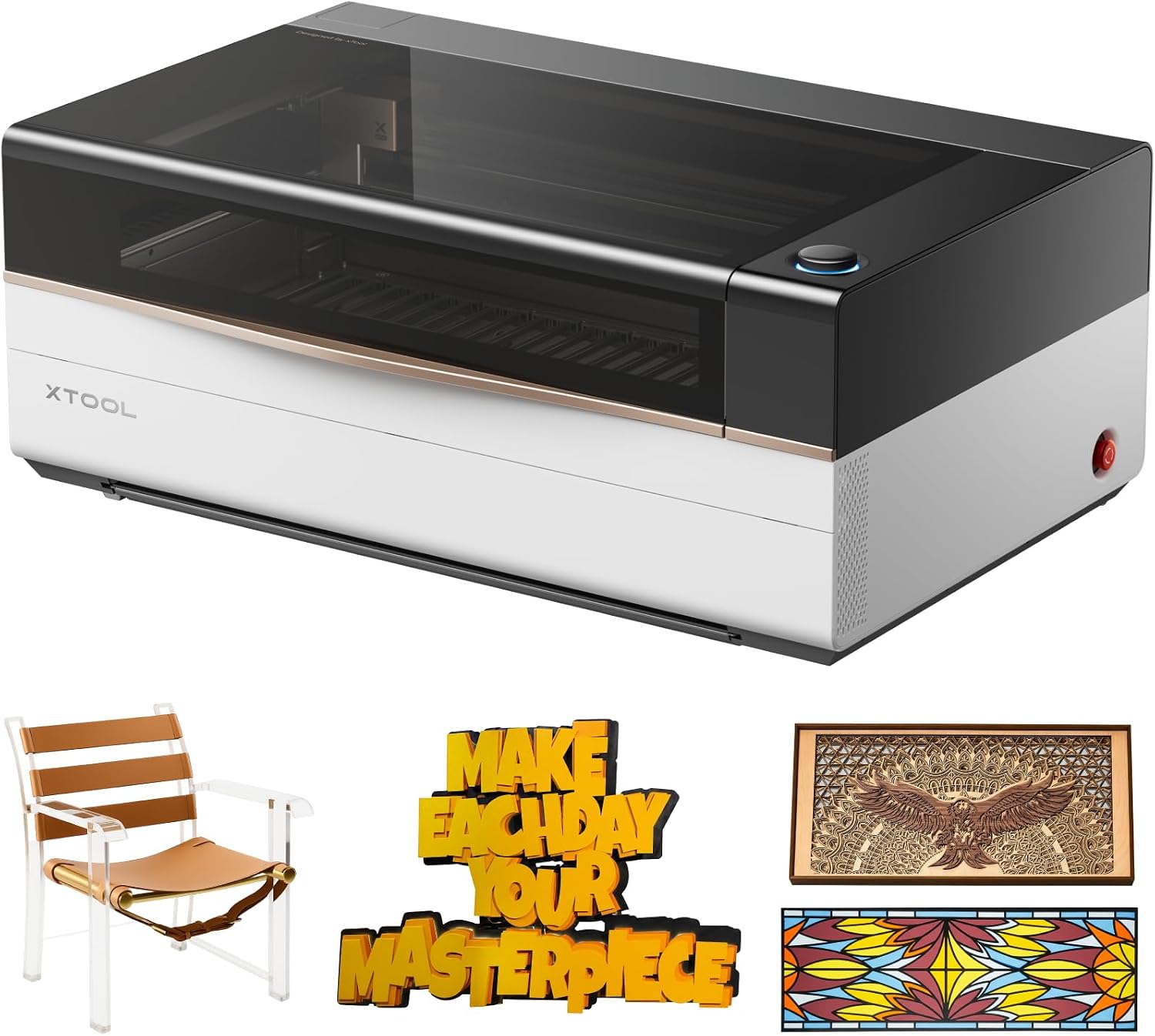
  3. xTool P2S

    Desktop CO2 laser · 55 W · 26 × 14 in bed · up to 600 mm/s · Auto-Passthrough to 118 in · AI fire detection · emergency stop

    A smart desktop CO2 laser with a 55 W tube, a 26 × 14 inch bed and Auto-Passthrough for material up to 118 inches, with AI fire detection.

    Best for: A small studio that cuts long or acrylic work on a desktop.

    7.4/10

    ≈ $2919

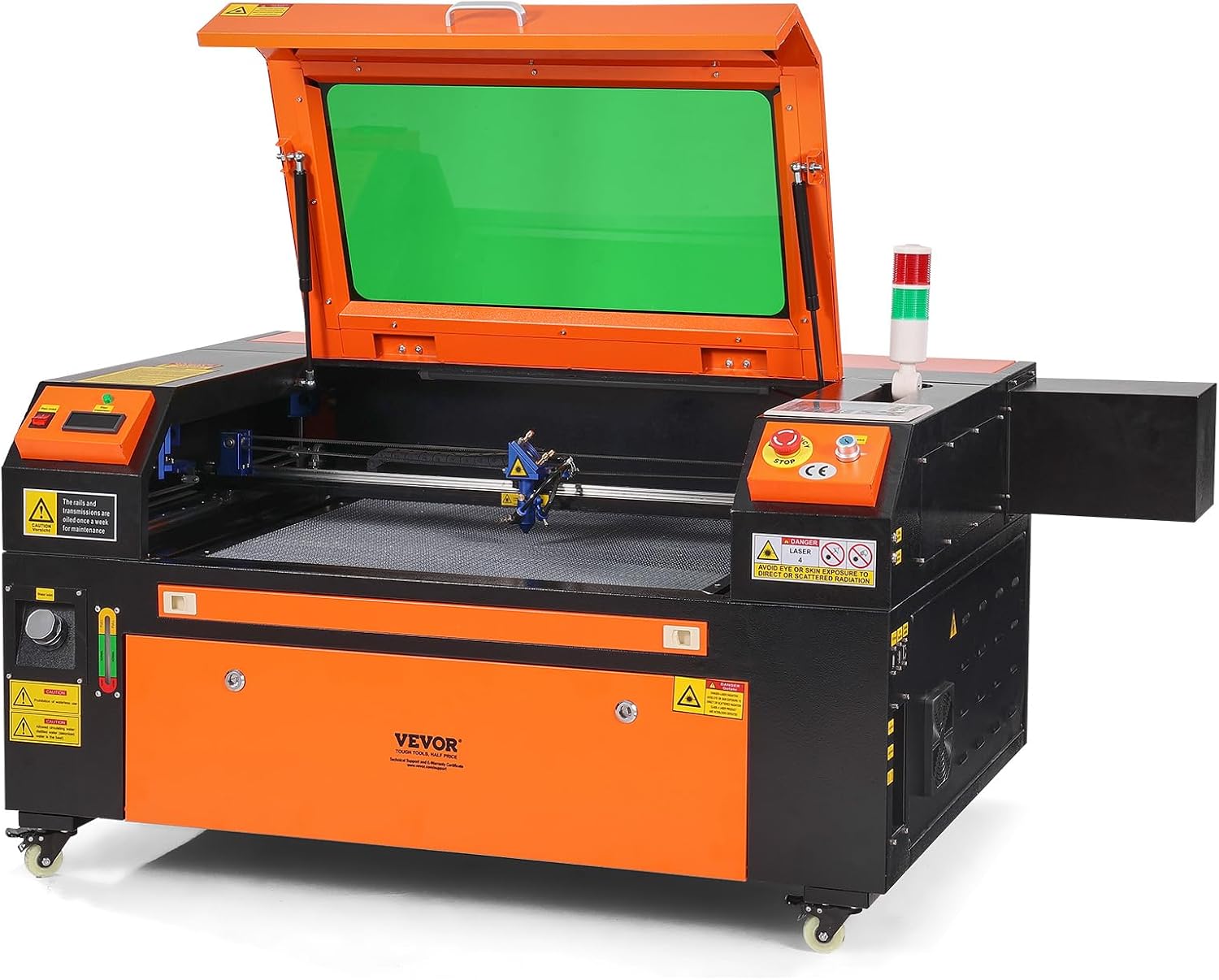
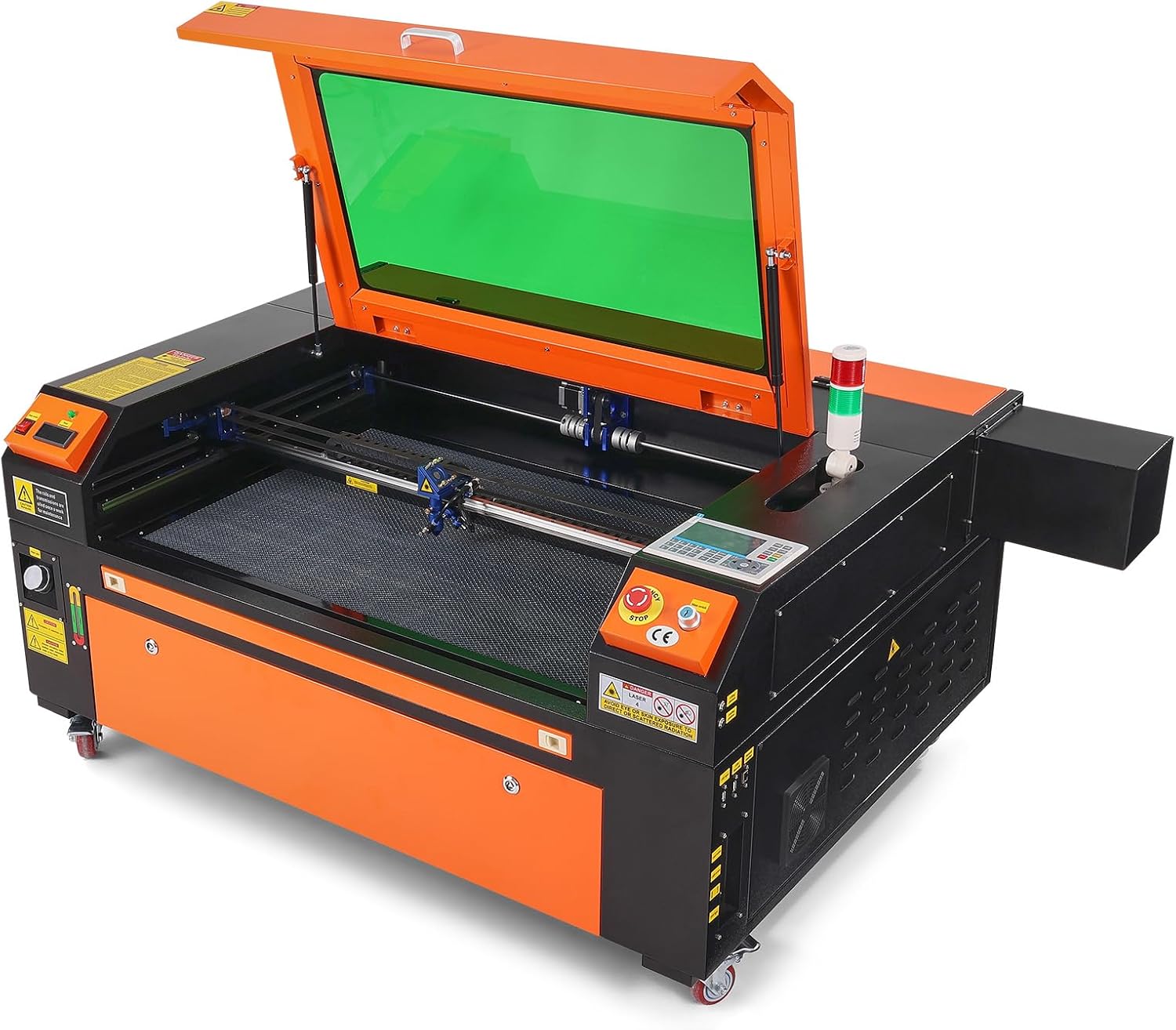
  4. VEVOR 80W 20 × 28 in

    Large CO2 laser · 80 W · 20 × 28 in · 19.7 IPS · 2-way pass · air assist · LightBurn, CorelDRAW, AutoCAD

    A floor-standing 80 W CO2 laser with a 20 × 28 inch bed and 2-way pass-through, for shops that have 282 pounds of floor space to spare.

    Best for: A shop that can install and maintain a large machine itself.

    7.2/10

    ≈ $2530

  5. VEVOR 100W 24 × 35 in

    Large CO2 laser · 100 W · 24 × 35 in · 19.7 IPS · 2-way pass · air assist · LightBurn, CorelDRAW, AutoCAD

    The largest machine on this shelf: a 100 W CO2 laser with a 24 × 35 inch bed, 2-way pass-through and a shipping weight of 551 pounds.

    Best for: A workshop producing large panels that can receive freight.

    7.9/10

    ≈ $3030

  6. xTool P3

    Flagship CO2 laser · 80 W · 36 × 18 in · LiDAR autofocus · dual HD cameras · AI nesting · Class 1 enclosed · conveyor feeder optional

    A flagship 80 W CO2 laser with a 36 × 18 inch workspace, LiDAR autofocus, dual cameras and a Class 1 enclosure, at a small-factory price.

    Best for: A business producing in volume, with space and budget to match.

    7.9/10

    ≈ $6599

By need, across CO2 laser engravers

The cheapest way into CO2

About $800 for a 45 W tube, on a 12 × 8 inch bed.

OMTech K40+

Long material

Auto-Passthrough takes stock up to 118 inches.

xTool P2S

Production batches

80 W, a 36 × 18 inch bed and AI nesting.

xTool P3

Across CO2 laser engravers, who each type suits

A machine that runs for hours
Published cooling describes what the manufacturer provides for the tube. That is the expensive part of this kind of machine.
Precise placement on the material
A published camera allows the piece to be seen and the design placed on it. Its presence changes the way you work.
Installation in a workshop
The published exhaust provision describes what the manufacturer has built in. This site reports it without describing any installation.

The trade-offs to weigh on CO2 laser engravers

Tube power against service life
A more powerful tube costs more to replace. It is the major consumable of this family of machines.
CO2 against diode laser
The two technologies do not work the same materials and do not compare on power alone. Both shelfs exist separately here.
Bed size against floor space
These machines are bulky and heavy. The published bed size is only a fraction of the real footprint.

What gets asked about CO2 laser engravers

How does this differ from a diode laser?

The wavelength differs, and therefore the materials worked. The published specifications of the two families do not compare directly.

Is the tube a consumable?

It has a finite service life. The published tube power is also what sets the cost of replacing it.

What does published cooling cover?

The arrangement the manufacturer provides for the tube. This site reports it without describing an installation.

What are interlocks?

Devices declared by the manufacturer, often tied to opening the lid. This site publishes them without drawing a safety conclusion.

What is a pass-through for?

Working pieces longer than the machine. Its presence is published.

Is the camera useful?

It serves to place the design on the material. Its presence is published listing by listing.

What exhaust is needed?

The published exhaust provision describes what the machine integrates. This site describes no installation and no ducting.

What does the published laser class say?

The classification declared by the manufacturer, reported as stated. It makes no machine safe by itself.

The essentials of CO2 laser engravers

Plan the exhaust route, the cooling and the delivery before the machine. A CO2 laser that has nowhere to send its smoke cannot be switched on.

Overview: CO2 laser engravers

  • Most affordable here: OMTech K40+, at $800.
  • Work area: 12 to 36 × 18 in, on 5 of the 6 models.
  • Highest figure for tube: VEVOR 100W (100 W).
  • Highest figure for weight: VEVOR 100W (551 lb).

The whole set of CO2 laser engravers, as a table

Four machines in five must publish the value before a column is raised. Below that, it would be comparing absences.

ModelPriceTubeWeightSoftwareWork area
OMTech K40+$80045 W81.8 lbLightBurn, LaserGRBL12 × 8 in
VEVOR 55W desktop$226055 W120.6 lbLightBurn, RDWorks20 × 12 in
VEVOR 80W$253080 W282 lbLightBurn, CorelDRAW, AutoCAD20 × 28 in (500 × 700 mm)
xTool P2S$291955 W130.7 lb——
VEVOR 100W$3030100 W551 lbLightBurn, CorelDRAW, AutoCAD24 × 35 in (600 × 900 mm)
xTool P3$659980 W317 lbAI Smart Nesting, 98.7% material use stated36 × 18 in

What a budget prints on this shelf

Lower range

$800 – $2260

2 models

OMTech K40+, VEVOR 55W desktop

Mid range

$2530 – $2919

2 models

VEVOR 80W, xTool P2S

Upper range

$3030 – $6599

2 models

VEVOR 100W, xTool P3

Where the specifications are read

Specifications: manufacturer sheets for maker machines and tools and the matching Amazon product pages. Prices and availability: Keepa. Every figure in this table names its source.

Most recent revision in this category: November 1, 2026.

What we judge CO2 laser engravers on

A price quoted in the text of a MakerVerdict page dates from the day that page was written; the live figure beside each product is fetched while you read and replaces it.