Skip to content

A first FDM 3D printer, read by the size it declares

The first question about a filament printer is how large a part it can make, and the answer is a number the maker declares. These five are ordered on that number: the three that publish a build volume come first, smallest to largest, and the two whose listings never state one come last, because a buyer cannot place them on the same line. Speeds and temperatures are reported as their listings print them, as limits rather than promises.

Build volume first, because it cannot be changed later

Almost every other limit on a filament printer can be worked around: a nozzle can be swapped, a plate replaced, a setting tuned. The build volume stays what the frame allows. That is why the ordering here follows the declared size — the Malyan M320 at 150 × 150 × 150 mm, the Flashforge Adventurer 5M at 220 × 220 × 220 mm, the QIDI Q2C at 270 × 270 × 256 mm.

A declared size is not a promise about every part

The volume is what the maker states the machine can reach. Tall, thin parts, parts that need a brim, and parts laid flat to avoid supports all use that space differently. Read it as the outer boundary, then decide how close to it the objects you have in mind actually sit. The answer on whether a bigger printer is better sets what a larger bed gives against what it costs to heat, level and house.

Enclosed or open on these five FDM 3D printers

The QIDI Q2C and the Creality K1C are enclosed, and the QIDI listing is plain that the Q2C has no chamber heater and no air filtration. An enclosure keeps warm air around the part, which matters for materials that shrink as they cool, and it is not a fume filter unless the maker says so. The answer on whether an enclosed printer is worth it says which materials it changes results for.

Nozzles, plates and what they open up

The Flashforge 3D printer changes nozzles from 0.25 to 0.8 mm without tools and ships a double-sided PEI plate. The K1C lists a hardened steel nozzle, which is what abrasive filaments filled with carbon fibre need; the answer on hardened nozzles explains when that applies. The Malyan listing names an all-metal hotend and a magnetic plate, and publishes no print speed at all.

The first week, before the second purchase

Whichever printer arrives, the first spool, the first levelling and the first failed print teach more than any listing. The advice on the first week with a 3D printer covers unpacking, the first layer and the settings worth leaving alone at the start.

The shortlist, and the reason for each pick

  1. Malyan M320 Mini, 150 mm cube build volume

    150 × 150 × 150 mm build volume · heated magnetic plate · all-metal hotend · touchscreen · microSD and USB printing · no speed published

    The cheapest printer in this family, sold for children and beginners, whose listing publishes a 150 mm cube build volume, an all-metal hotend and a removable magnetic plate, and no print speed at all.

    Best for: A first printer for a child or a classroom corner, printing small models from a card without a computer nearby.

    ≈ £140 / 150 €

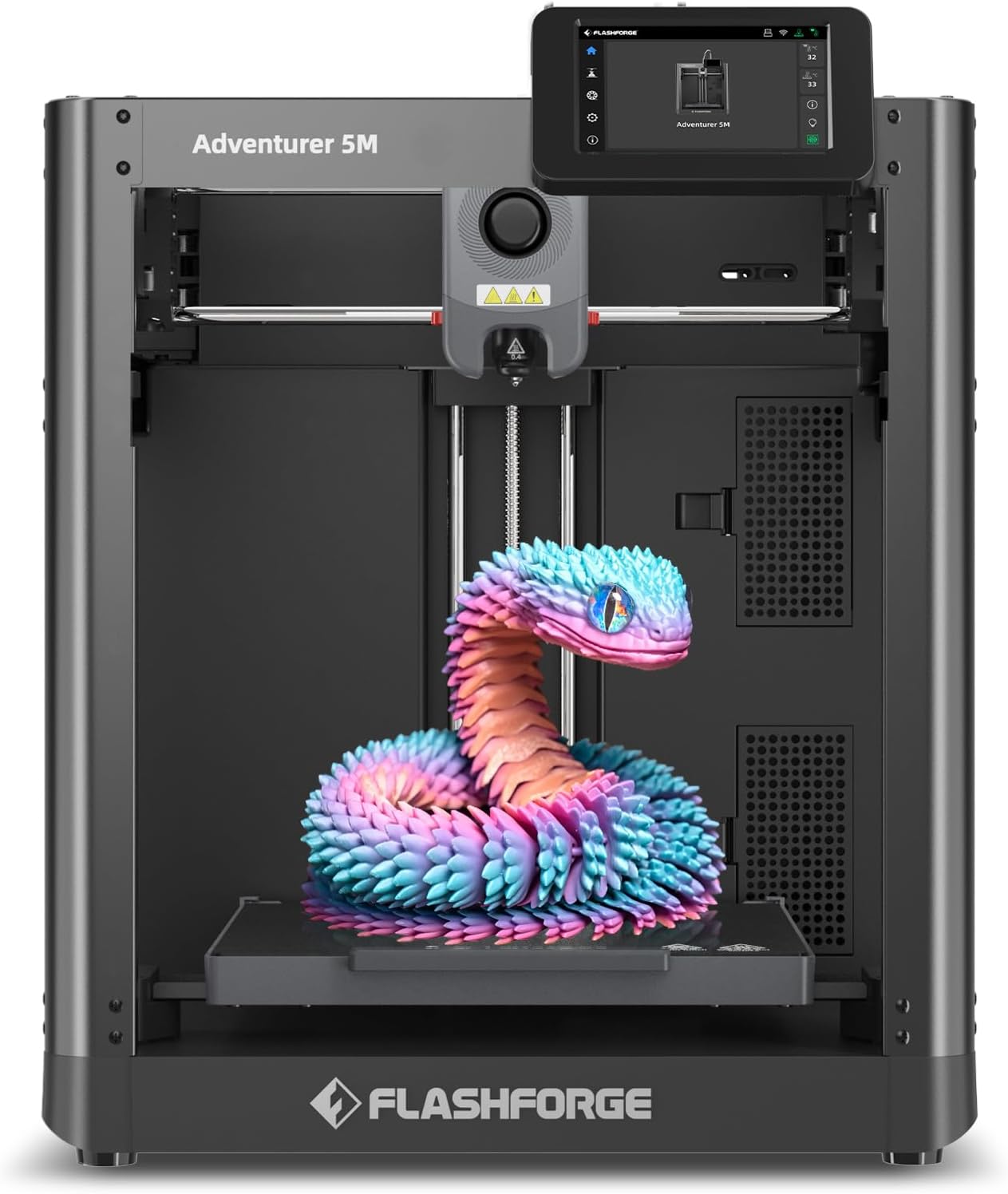
  2. Flashforge Adventurer 5M, 220 mm CoreXY

    220 × 220 × 220 mm build volume · all-metal CoreXY · one-click automatic levelling · 3-second quick-change nozzles 0.25 to 0.8 mm · double-sided PEI plate · 600 mm/s maximum

    A CoreXY printer with a 220 mm cube build volume, tool-free nozzles in four diameters that change in three seconds, and a double-sided PEI plate whose back is meant for PETG.

    Best for: Someone printing everyday PLA and PETG parts who wants a published 220 mm volume and the option of a fine or a fast nozzle.

    ≈ 249 €

  3. QIDI Q2C enclosed CoreXY, 270 mm build volume

    270 × 270 × 256 mm build volume · enclosed · full-metal CoreXY with linear rails · nozzle-integrated levelling sensor · high-temperature nozzle to 370 °C · no chamber heater

    An enclosed CoreXY printer with a 270 × 270 × 256 mm build volume and a nozzle-integrated levelling sensor, whose listing states clearly what it lacks compared with the Q2: no chamber heater, no AI camera, no air filtration.

    Best for: A buyer who wants an enclosed, larger CoreXY printer and is prepared to add ventilation rather than pay for the Q2’s heater and filter.

    ≈ 349 €

  4. Creality K1C 2025, enclosed CoreXY with AI camera

    No build volume published · enclosed · CoreXY at 600 mm/s and 20,000 mm/s² maximum · direct drive · 300 °C hotend with hardened steel nozzle · auto-levelling and Z-offset

    The dearest of the seven FDM printers here, an enclosed CoreXY with a 300 °C hotend and hardened steel nozzle for carbon-fibre filaments, whose listing publishes acceleration and temperature but no build volume.

    Best for: A maker moving to carbon-filled and engineering filaments who wants an enclosed printer with a hardened nozzle already fitted.

    ≈ 449 €

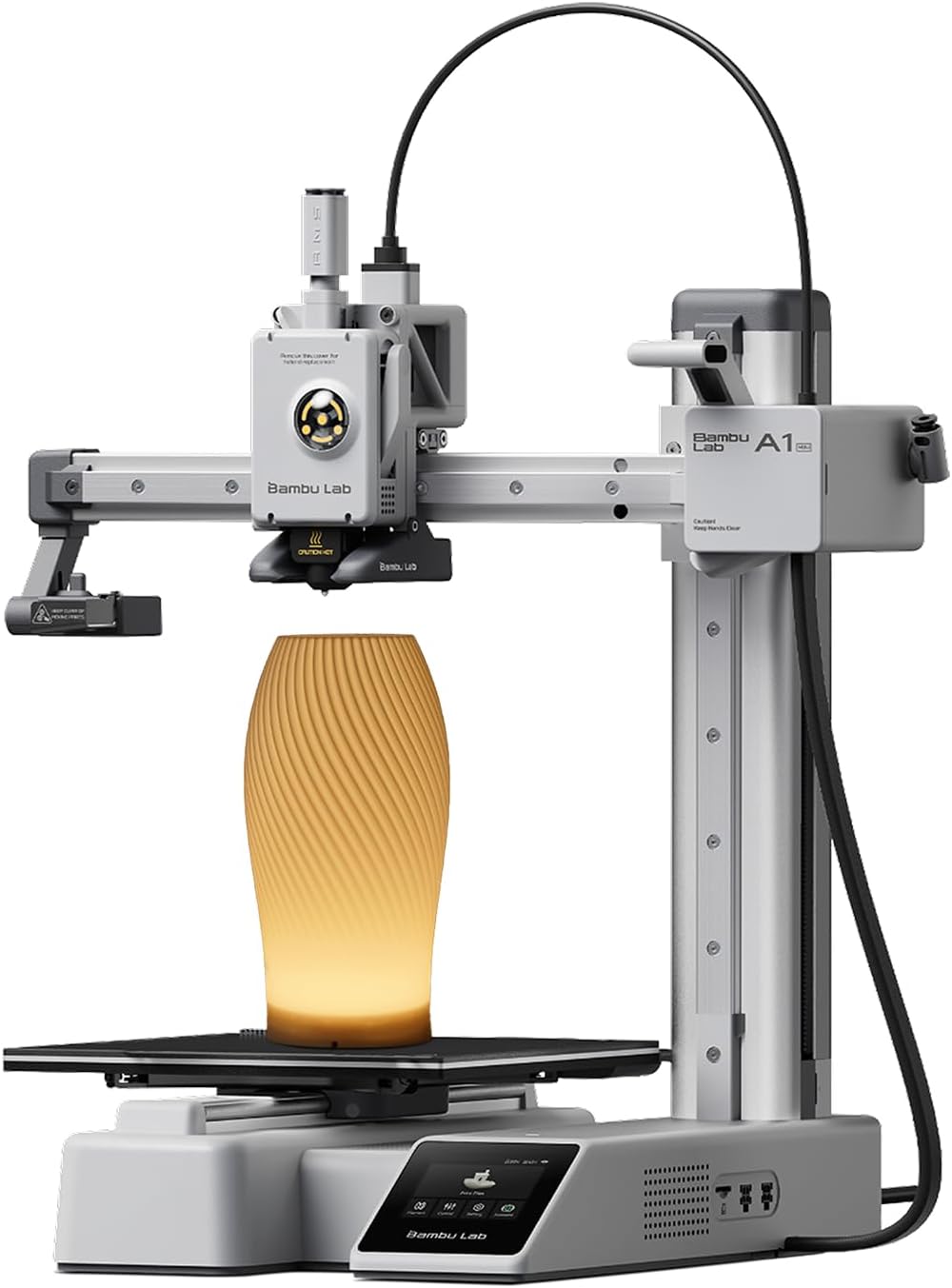
  5. Bambu Lab A1 Mini with LED lamp kit

    No build volume published · fully automatic calibration · eddy-current nozzle pressure sensor · LED lamp set included · MakerWorld and Bambu Handy app

    A compact printer bundled with an LED lamp kit, whose listing describes an eddy-current sensor that measures nozzle pressure and fully automatic calibration, and publishes neither a build volume nor a speed.

    Best for: A beginner who wants a printer that calibrates itself and a ready-made first project, and who is content to work inside the maker’s app and library.

    ≈ $249 / £169 / 219 €

Questions makers ask before buying

Does a 220 mm build volume mean a 220 mm part will print?

It means the maker declares a 220 mm cube as the space the nozzle can reach. A part that fills it exactly leaves no margin for a brim, a skirt or a first-layer adjustment, so the part that prints comfortably is usually a little smaller than the declared size. The answer on build volume and the largest printable part sets this out.

Why are two printers listed without a build volume?

Because their listings do not publish one. The Creality K1C page gives a 300 °C hotend, a hardened steel nozzle and an acceleration figure, and the Bambu Lab A1 Mini page describes automatic calibration, yet neither 3D printer listing states how large a part it makes. They are placed last so the guide does not rank a number that does not exist.

Is 600 mm/s the speed a print will run at?

No. A stated speed is the fastest the motion system is allowed to move, and a real print spends most of its time accelerating, slowing for corners and laying down detail well below that ceiling. The Flashforge listing quotes 600 mm/s as a maximum; the time a job takes is set by the slicer, the model and the chosen quality.

A price quoted in the text of a MakerVerdict page dates from the day that page was written; the live figure beside each product is fetched while you read and replaces it.

The tool we use ourselves

Picked your machine? Now pay the right price for it.

3D printers and laser engravers go on sale again and again, and a crossed-out price on its own tells you nothing about what the same model really cost a month earlier. UniverTrack keeps a weekly price history for each retailer, so a discount is compared with a price that was really charged, not one invented for the sale — and it tells you when the right moment to buy has really come.

Real price historyBuy-now alertsAI buying assistant
Try free for 14 days →
No commitment · Cancel in one click · 5 languages