Skip to content

A first resin setup: printer, station, ventilation

Resin gives detail that filament cannot, and it adds a messy second stage. A part is not finished until it is washed and cured. This guide pairs a printer with a station, and points to the rules that come with the liquids.

Choose the printer

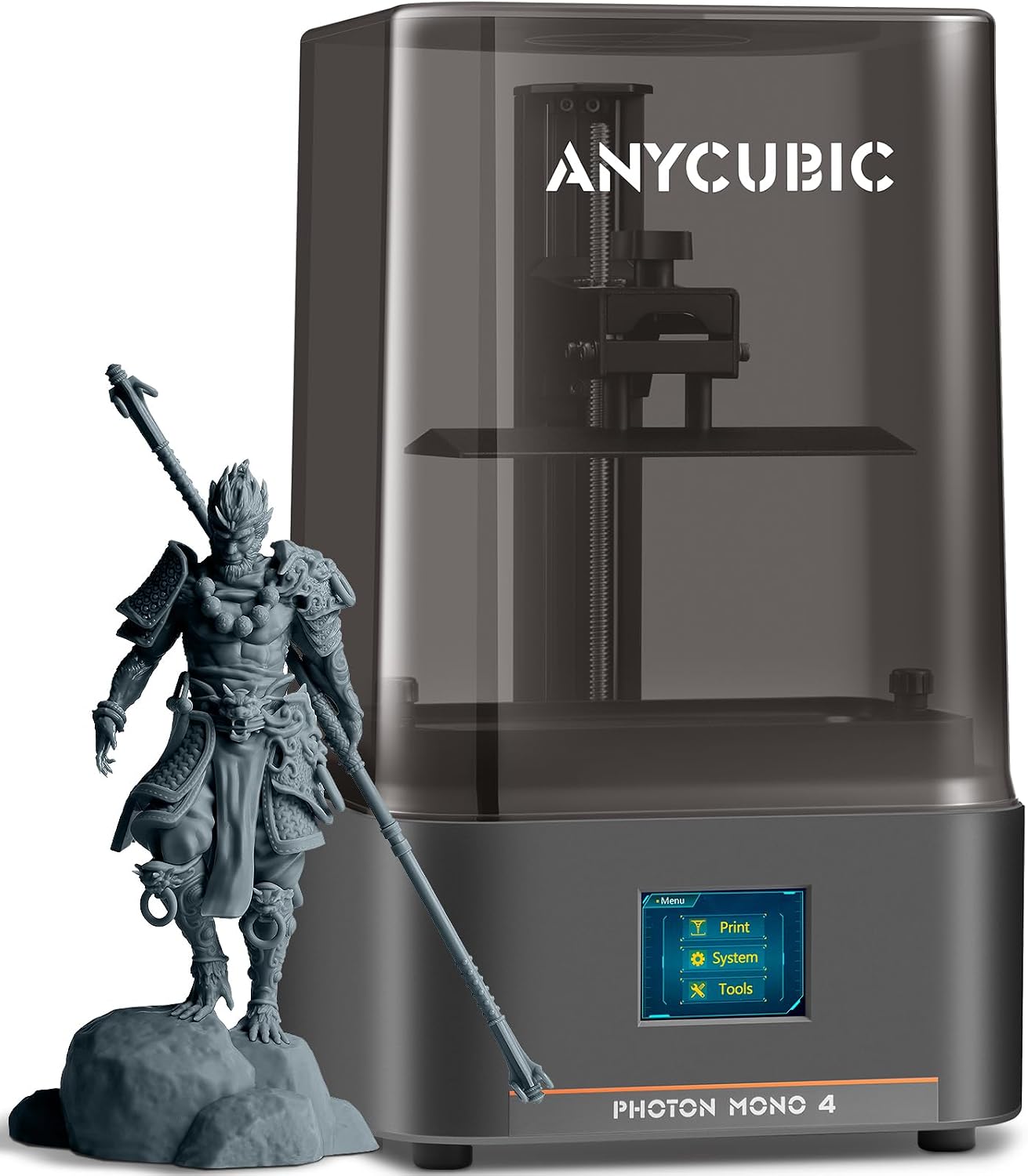
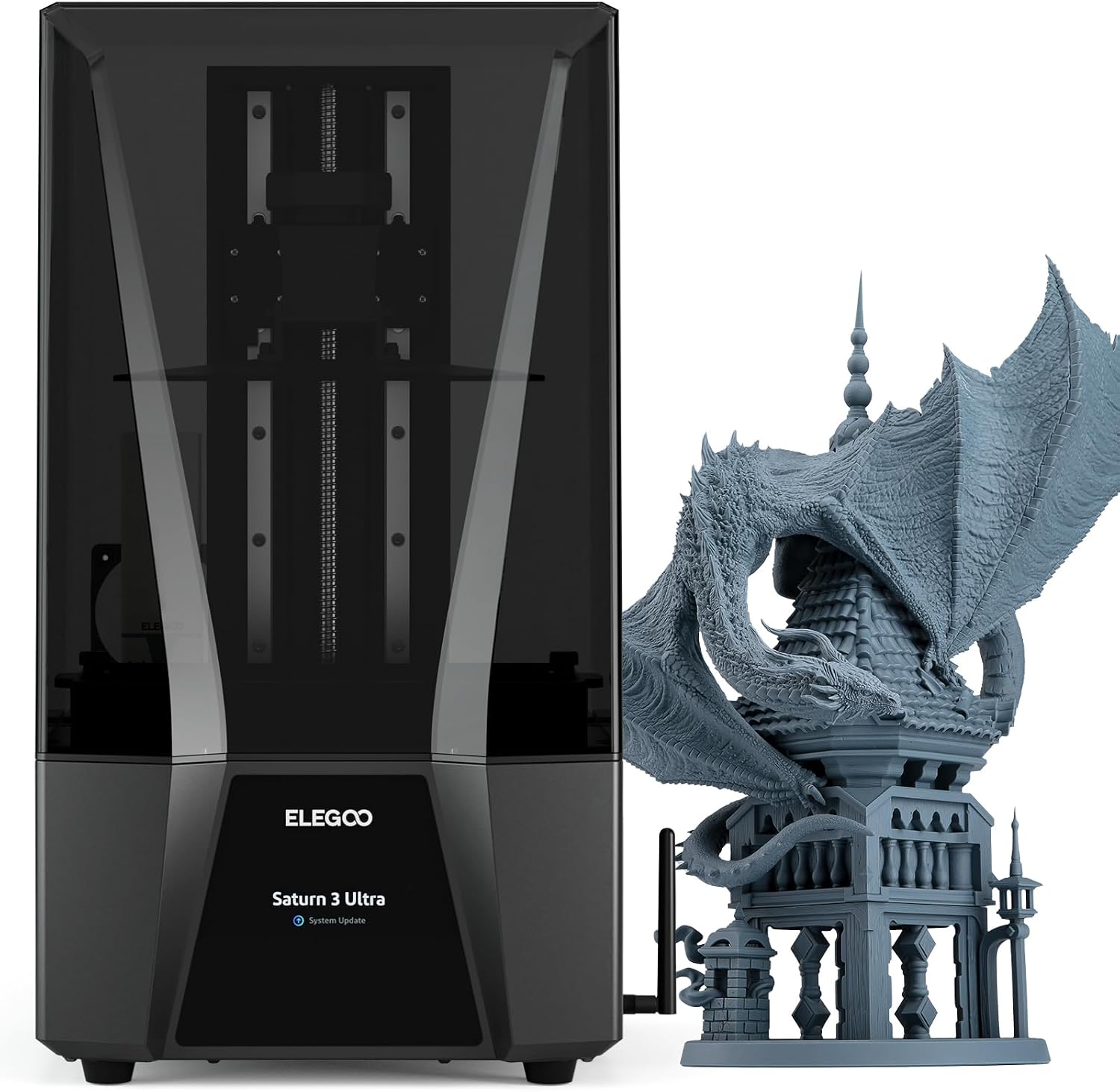
The Mars 5 levels itself. The Photon Mono 4 has finer pixels. The Saturn 3 Ultra is for large models.

Match the station

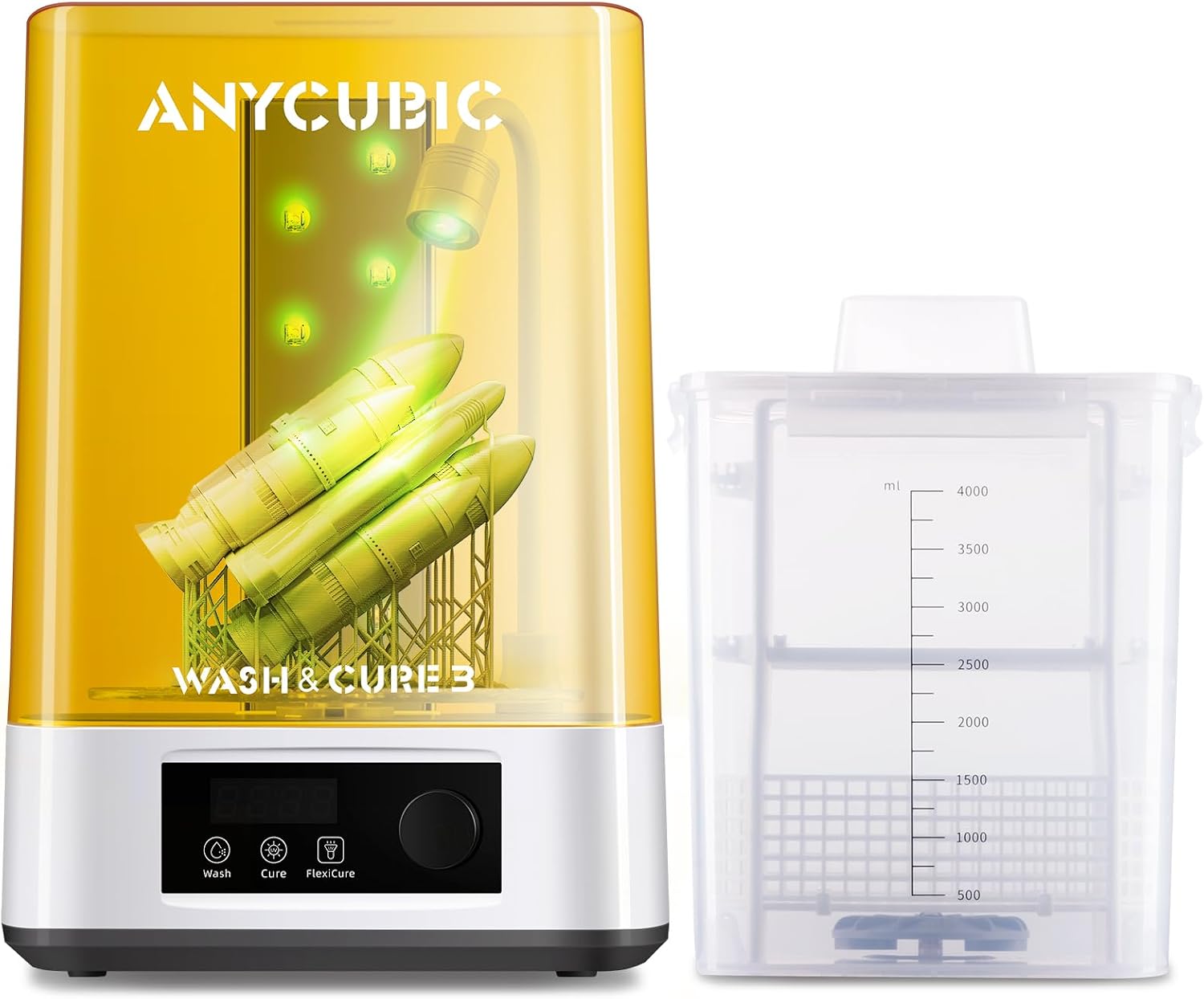
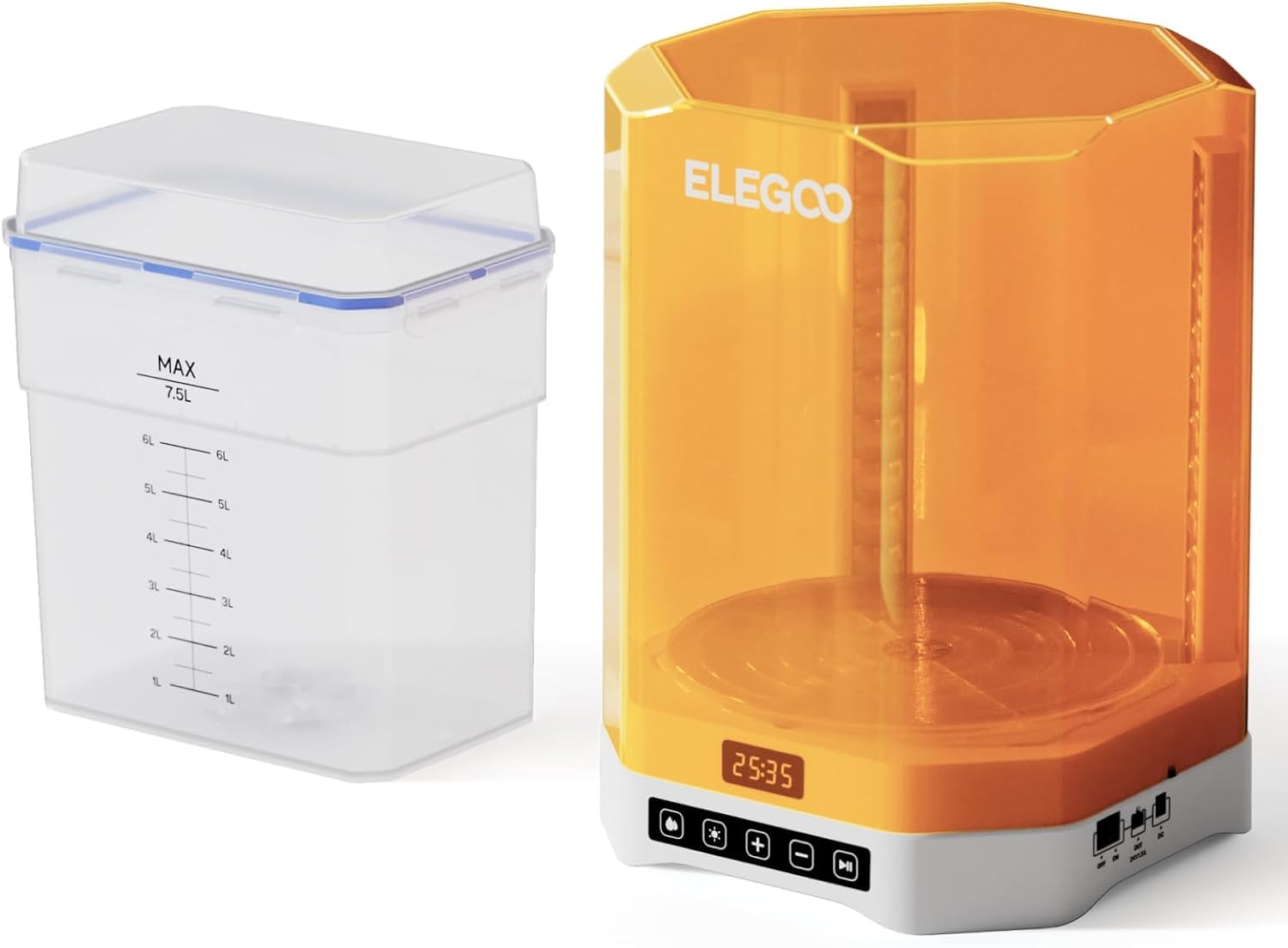
The tallest part must fit the tank. The Wash and Cure 3 suits 7-inch printers, and the Mercury Plus 3.0 suits 10-inch ones.

Handling

Uncured resin irritates skin, and IPA is flammable. This site does not describe any setup as safe. Follow the instructions of the resin and cleaner makers.

Which printer fits what you build?

You are after very detailed parts
The published screen resolution is the central criterion.
The room is small and closed
Ventilation becomes the subject, ahead of the machine itself.
You print in batches
The wash and cure station counts as much as the printer.
The budget is tight
Count the consumables: resin and alcohol get rebought, the machine does not.

Picking by what you make with it

Figures and miniatures

The case where resin really parts company with extrusion, and where the published screen makes the difference.

Fine mechanical parts

Call for engineering resins, and therefore for a more demanding post-process.

Visual prototyping

Few parts, much finishing: the wash station weighs more than speed.

What decides a good print

The published screen resolution
It describes fineness in plane, and it is what most distinguishes two machines in this family.
The stated build volume
In resin it is often modest: check it against the largest part you have in mind.
The wash and cure station
It is part of the chain, not of the accessories. Without it the part stays unfinished.

Which figure for which build

The stepWhat it takesWhat gets forgotten
PrintingThe printerFilm and screen wear out
WashingSolvent and tankThe volume of solvent
CuringA UV sourceThe time, never the same
DisposalA proper routeResin is not ordinary waste

The mistakes that waste filament

Buying the printer only
The full chain includes washing and curing. A machine on its own does not produce a finished part.
Siting the machine without thinking about air
Smell and vapors decide the location. This site prescribes no ventilation and judges none.
Treating film and screen as permanent
They are consumables. Their availability for the chosen model counts as much as the spec sheet.

By the maker you are

The miniature painter
Buys on published resolution and accepts a reduced volume.
The shared workshop
Has to think first about siting and about storing consumables.
The occasional user
Runs into the shelf life of opened consumables more than into the price of the machine.

Nozzles, belts and working life

In resin, maintenance is about consumables and cleanliness. A marked film prints its own defects onto every part, and a poorly cleaned vat contaminates fresh resin.

  • Filter the resin before returning it to the bottle.
  • Inspect the film before each batch rather than after a failure.
  • Keep bottles closed and away from light.
  • Clean the build plate the way the maker specifies.

Safety

Resins and solvents are chemical products: this site prescribes no handling.

  • The resin maker’s safety data sheets govern, not a product page.
  • Gloves, ventilation and eye protection come under those sheets.
  • Resin and solvent waste does not go out with ordinary rubbish.
  • This site publishes stated specifications and concludes that no setup is safe.

The shortlist, and the reason for each pick

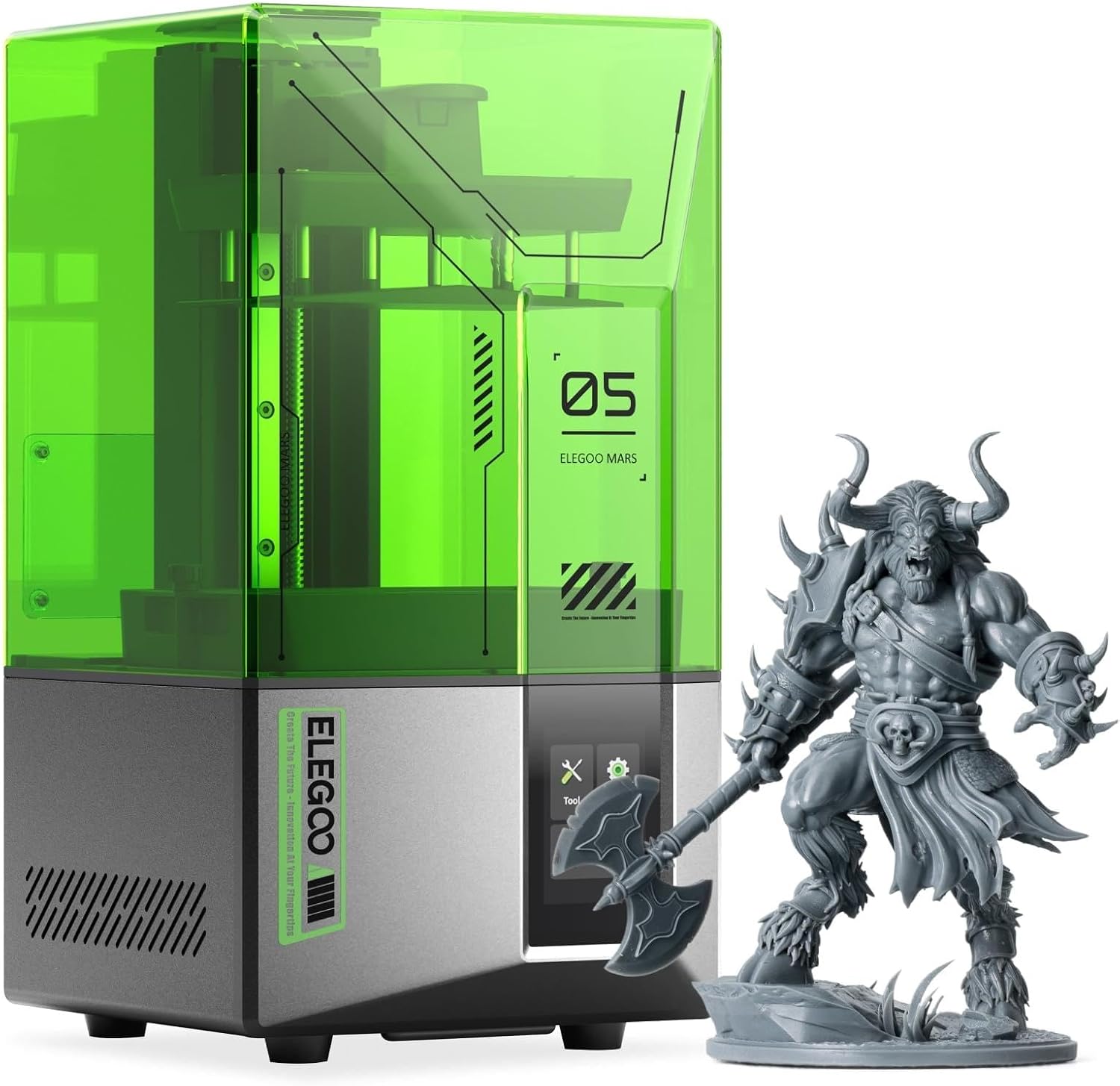
  1. ELEGOO Mars 5

    MSLA resin · 4K mono LCD · COB light source · one-click automatic leveling · residue detection · overheat stop at 80 °C

    ELEGOO’s entry resin printer, with a 4K mono LCD, a COB light source, one-click automatic leveling and alarms for resin shortages and leveling failures.

    Best for: A first resin buyer who wants the machine to level and check itself.

    7.7/10

    ≈ $200

Questions makers ask before buying

What do I need besides the printer?

A wash and cure station, gloves, resin, a cleaning liquid and ventilation. Follow the resin maker’s instructions.

Does pixel size equal accuracy?

No. It describes the screen.

Each printer, and the build it was chosen for

ELEGOO Mars 5 · $200

For builds that: A first resin buyer who wants the machine to level and check itself.

Best quality: Automatic leveling, a rare comfort at this level

Worst quality: Only 4K, the lowest resolution on this shelf

Read the full review: ELEGOO Mars 5 →

What each band of spending prints

The quick decision

Pairings worth looking at

Printer against printer, where the comparison already exists here.

What this ranking is made of

The printers here are drawn from the catalog of this site. Specifications are the published ones, from the maker and from Amazon; prices are the Keepa figure for the date shown, and both shift. Ranking rests on declared specifications, on stated strengths set against stated limits, and on price. No printer here has run a job for us, and nothing on this page says it has.

Last checked on

A price quoted in the text of a MakerVerdict page dates from the day that page was written; the live figure beside each product is fetched while you read and replaces it.