Skip to content

Filament kept dry: a dryer, a box, a bag and a first spool

Filament that has taken on moisture prints with strings, bubbles and weak layers, and it happens between prints, not during them. These picks follow the spool’s life: two dryers ordered by the top temperature their listings publish, then two ways to keep a dried spool dry, then a PETG spool whose listing prints its own settings. The drying temperature for a given material comes from its maker; none of the dryer listings sets one for PETG.

Two filament dryers, two temperature ceilings

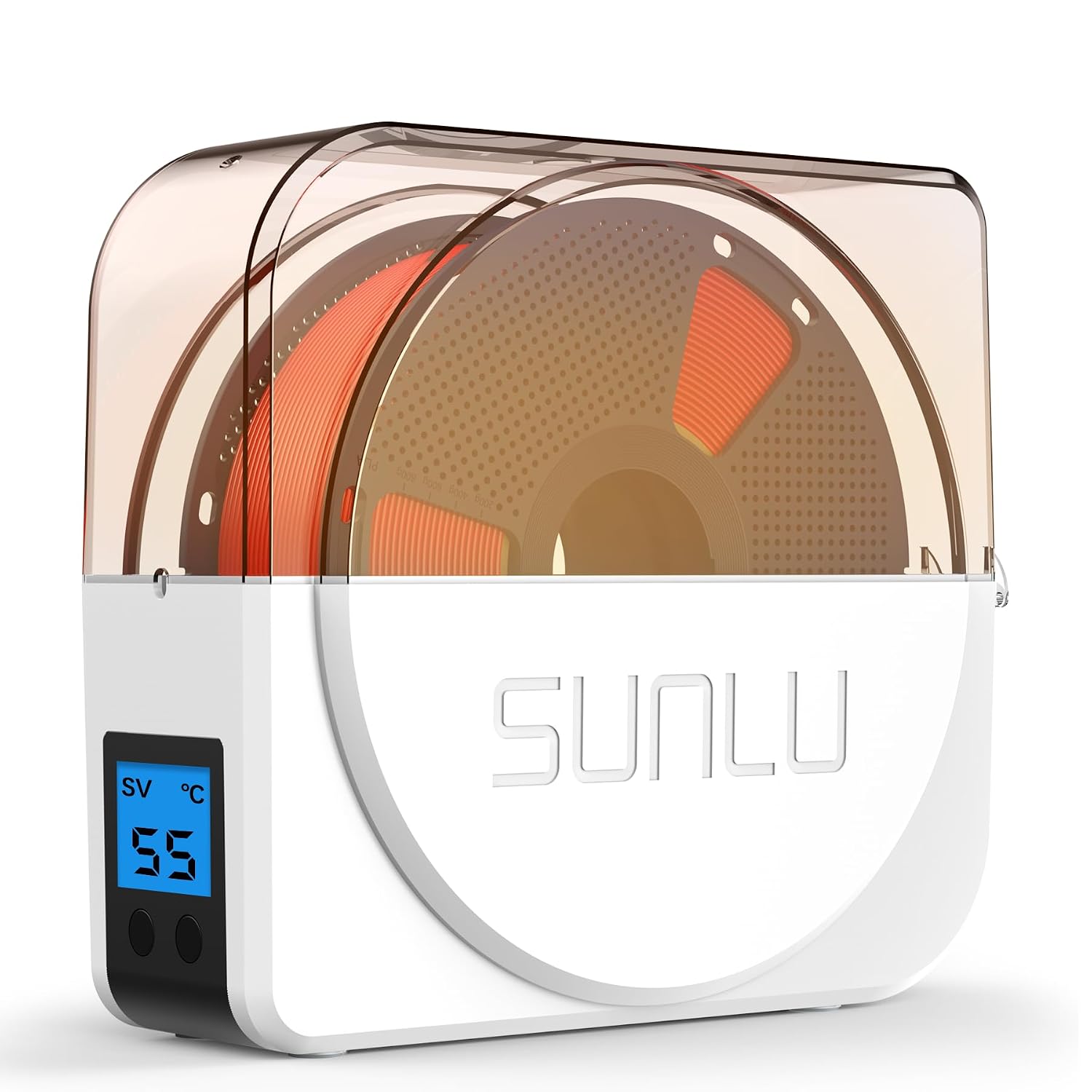
The SUNLU S1 Plus is a single-box dryer from 35 to 55 °C with a 1–99 hour timer, a built-in fan and a feed-through so the printer can draw filament while it dries. The Creality Space Pi X4 goes to 85 °C in two independent 200 W chambers holding four 1 kg or two 2 kg spools, with a silicone seal and drying scenes on a touch interface. A higher ceiling matters only for materials whose makers ask for more heat.

Keeping a dried spool dry in a box

Saccik’s four 4.0 L boxes take standard 1 kg spools, plastic or cardboard, behind a silicone seal. Each comes with two packs of colour-change silica gel, and the set adds 24 wipeable labels and a marker. There is no hygrometer and no port to print through, so these boxes are for the shelf between jobs.

Desiccant bags, one per spool

Creality’s twelve 35 × 35 cm bags each come with a zip slider, capped vent openings and a desiccant pack, and fit 0.5–1 kg spools of 1.75 or 2.85 mm filament. The listing describes a vacuum but lists no pump, and names no hygrometer.

A first PETG spool with its settings printed

SUNLU’s black PETG is 1.75 mm with a stated ±0.02 mm tolerance on a 1 kg spool, recommends a 220–230 °C nozzle, a 60–70 °C bed and 40–600 mm/s, and arrives vacuum-packed. The top of that speed range is a limit, not the pace of a print. The answers on why PETG strings more than PLA and which build plate suits PETG pick up from the first layer.

The routine behind the equipment

Drying and storage only work as a habit. The advice on storing and drying 3D printer filament covers how moisture shows on a print, drying to the maker’s temperatures and keeping a spool dry afterwards.

The shortlist, and the reason for each pick

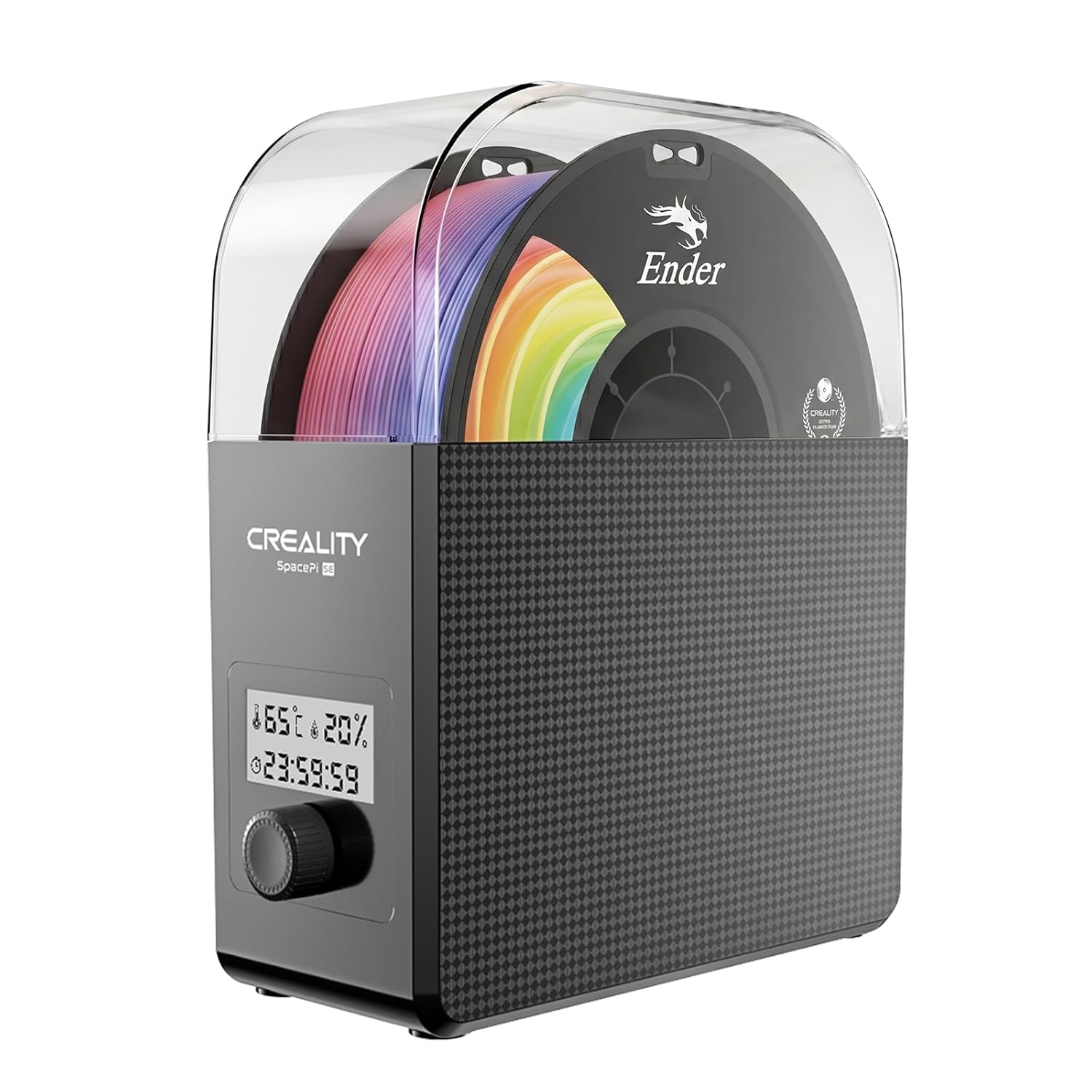
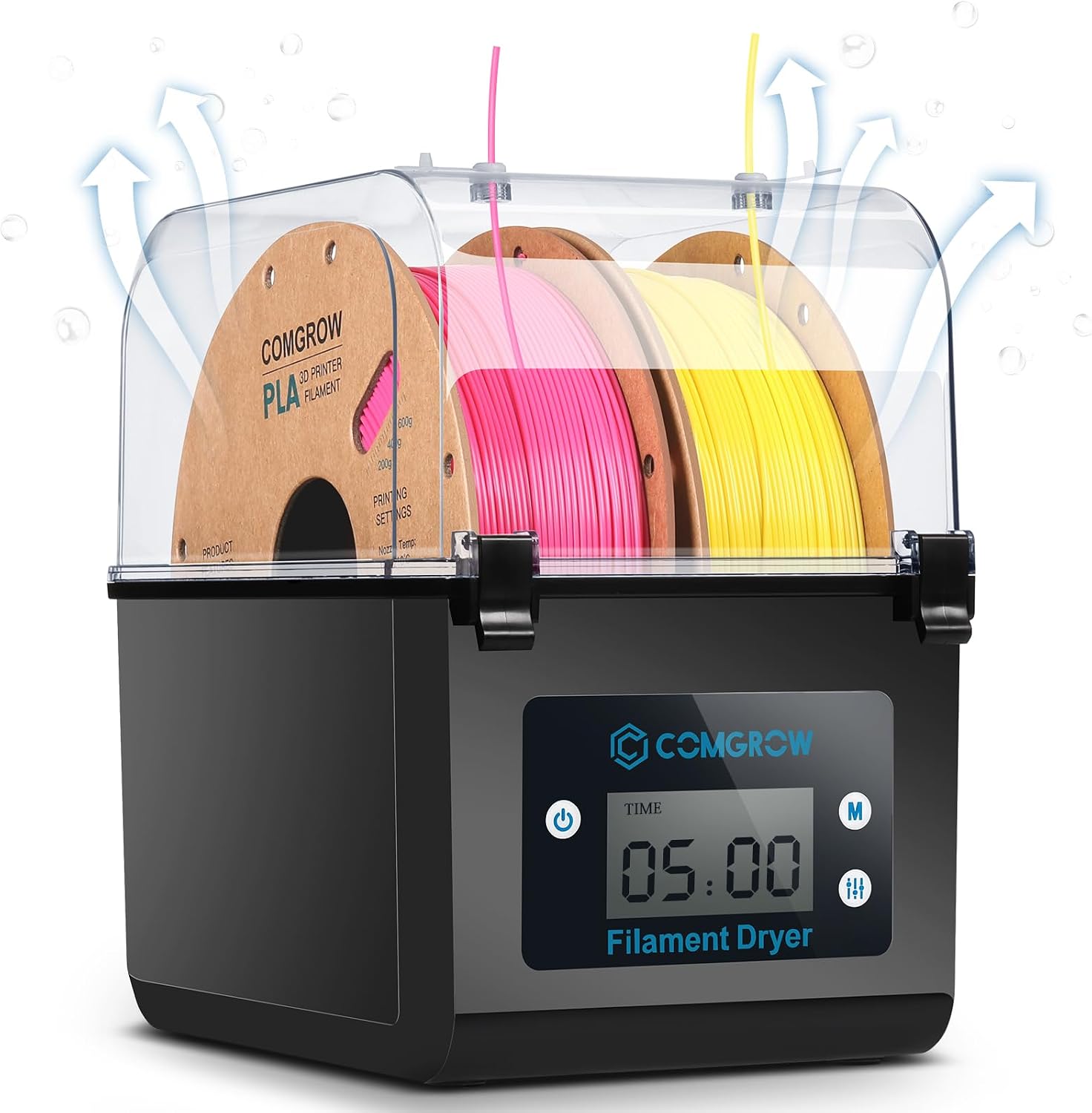
  1. SUNLU S1 Plus single-spool dryer, 35 to 55 °C

    35–55 °C · timer 1–99 h · built-in fan · prints while drying · 2 inch LCD showing temperature and time · under 10 dB stated

    A single-box filament dryer with an adjustable 35 to 55 °C range, a 1 to 99 hour timer and a built-in fan, sized for common 1 kg spools and able to feed the printer while drying.

    Best for: A PLA, PETG or TPU user who wants one spool kept dry while it prints.

    ≈ $32 / £25 / 40 €

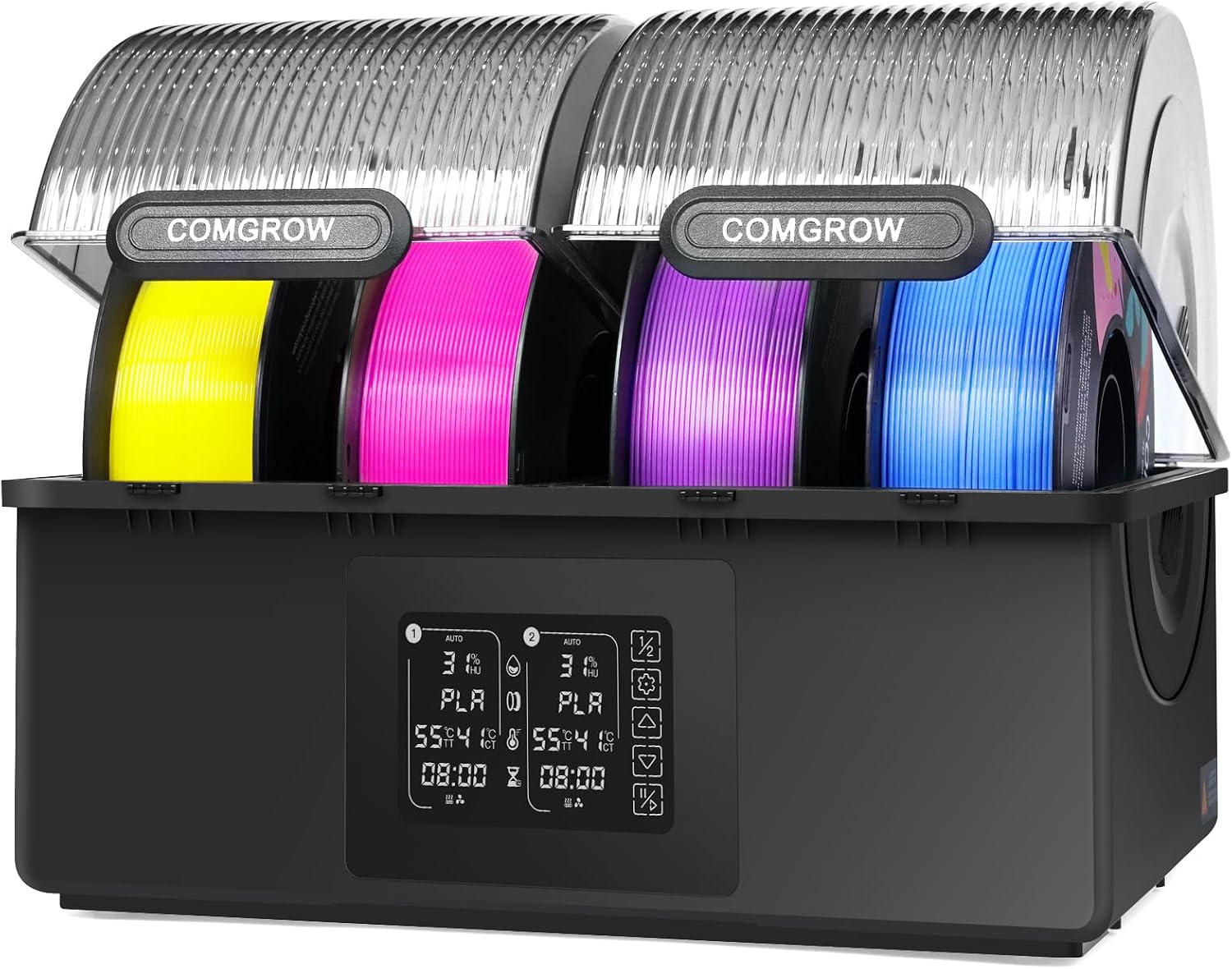
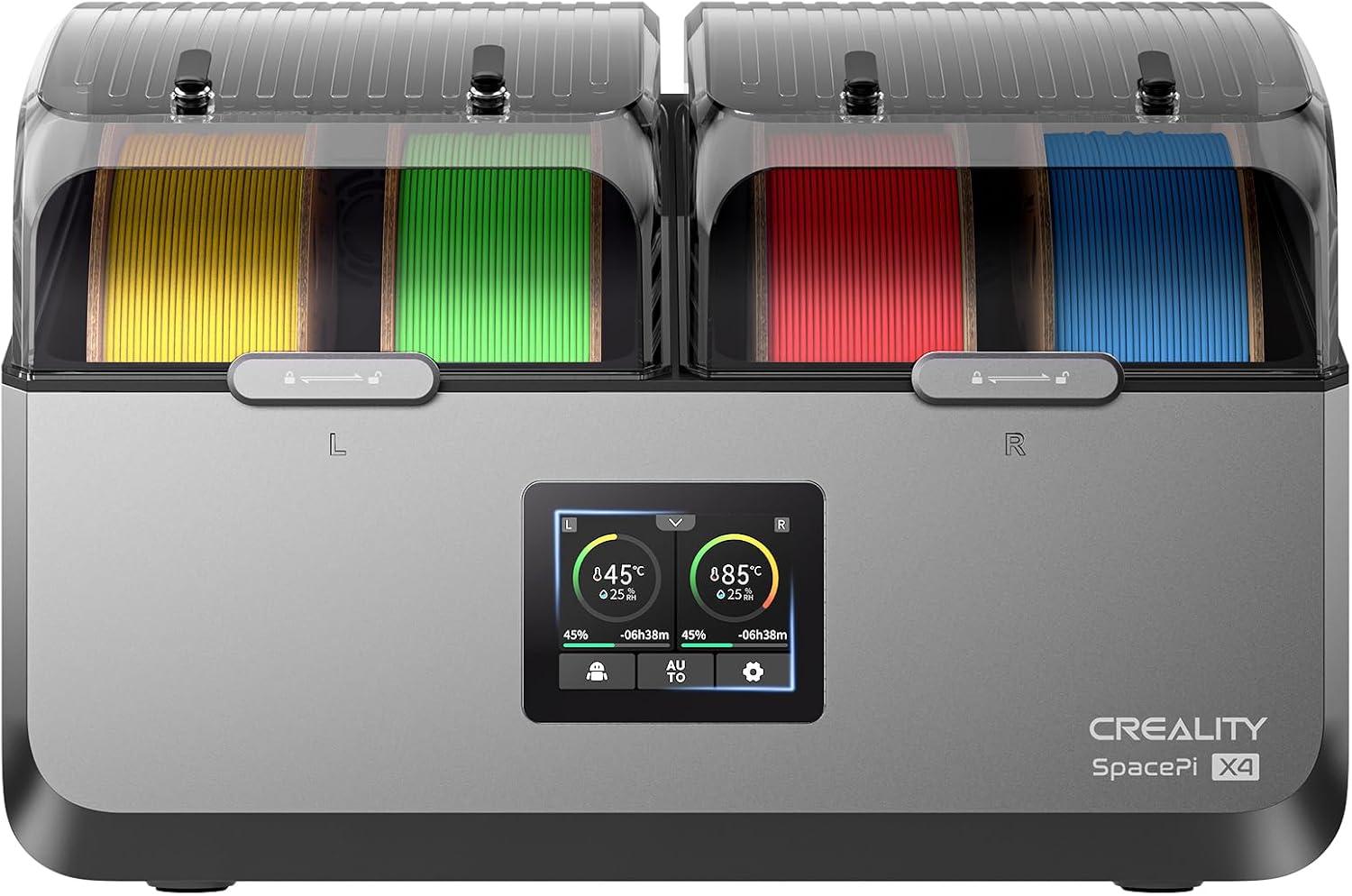
  2. Creality Space Pi X4, four spools, two 200 W chambers

    Up to 85 °C · two independent 200 W chambers · four 1 kg or two 2 kg spools · silicone-sealed · touch interface with drying scenes · lit window

    The dearest dryer here, holding four 1 kg or two 2 kg spools in two independently heated 200 W chambers up to 85 °C, with a silicone seal to keep filament dry between prints.

    Best for: A heavy user storing and drying large 2 kg spools of engineering filaments between prints.

    ≈ 199 €

  3. Saccik Airtight filament dry boxes 4.0 L, 4 pack, with colour-change silica gel

    4.0 L, standard 1 kg plastic or cardboard spools · silicone seal · 2 colour-change silica gel packs per box · no hygrometer by design · no ports · 4 stackable transparent boxes, 24 labels, marker

    Four stackable 4.0 L filament boxes from Saccik with silicone seals and no hygrometer holes, two packs of colour-change silica gel per box, 24 wipeable labels and a marker, sized for standard 1 kg spools.

    Best for: A maker organising a shelf of 1 kg spools between uses who prefers colour-change gel to a digital gauge.

    ≈ 23 €

  4. Creality Filament vacuum storage bags 35 × 35 cm, 12 with desiccant

    35 × 35 cm, 0.5–1 kg spools, 1.75 and 2.85 mm · double-sealed zip, capped vent openings · 12 desiccant packs · no hygrometer · no ports · 12 bags, 12 zip closures

    Twelve 35 × 35 cm filament bags from Creality, each with a zip closure and a desiccant pack, double-sealed zips and capped vent openings, sized for standard 0.5–1 kg spools of 1.75 or 2.85 mm filament.

    Best for: A maker storing twelve 1 kg spools after drying who wants desiccant in every bag.

    ≈ £20 / 17 €

  5. SUNLU PETG 1.75 mm, black, 1 kg, with print settings

    1.75 mm ±0.02 mm · 1 kg · black · nozzle 220–230 °C, bed 60–70 °C, 40–600 mm/s recommended · airtight vacuum packaging

    A 1 kg spool of black SUNLU PETG in 1.75 mm with a ±0.02 mm tolerance, whose listing recommends a 220–230 °C nozzle, a 60–70 °C bed and speeds from 40 to 600 mm/s, in airtight vacuum packaging.

    Best for: A first PETG spool, printed from the settings on the listing.

    ≈ £13 / 14 €

Questions makers ask before buying

Can a filament dryer feed the printer while it dries?

The SUNLU S1 Plus filament dryer listing says it can, with a 35–55 °C range and a 1–99 hour timer. The Creality Space Pi X4 filament dryer reaches 85 °C in two independently heated chambers and its listing does not describe printing from the box. Which one suits depends on whether drying happens before a print or during it.

Is a sealed box enough without a hygrometer?

The Saccik boxes are sold without one on purpose, relying on silica gel that turns from orange to green when saturated. Colour change tells a buyer when to regenerate the gel; it does not give a humidity figure. A separate gauge answers that question if a number is wanted.

What temperature should PETG be dried at?

The SUNLU PETG listing gives print settings — 220–230 °C nozzle, 60–70 °C bed — and no drying temperature, and neither dryer listing sets one for PETG. The filament maker’s own data sheet is where that figure belongs. The advice on storing and drying filament covers the routine around it.

A price quoted in the text of a MakerVerdict page dates from the day that page was written; the live figure beside each product is fetched while you read and replaces it.

The tool we use ourselves

Picked your machine? Now pay the right price for it.

3D printers and laser engravers go on sale again and again, and a crossed-out price on its own tells you nothing about what the same model really cost a month earlier. UniverTrack keeps a weekly price history for each retailer, so a discount is compared with a price that was really charged, not one invented for the sale — and it tells you when the right moment to buy has really come.

Real price historyBuy-now alertsAI buying assistant
Try free for 14 days →
No commitment · Cancel in one click · 5 languages