Setting up a laser
A first diode laser engraver, and the four things around it
A diode laser engraver is not a single purchase. It needs eye protection chosen against the laser’s own data, a bed that lets the beam pass through the work, and somewhere for the smoke to go. The five picks below follow that buying order: two engravers of very different size, then glasses, then a bed made for the larger machine, then a fume filter made for it too. None of the power figures on these two engravers is identified as optical output, and the guide reports them as the makers print them.
By Jean-Benoit Buisson
Two diode laser engravers at opposite ends
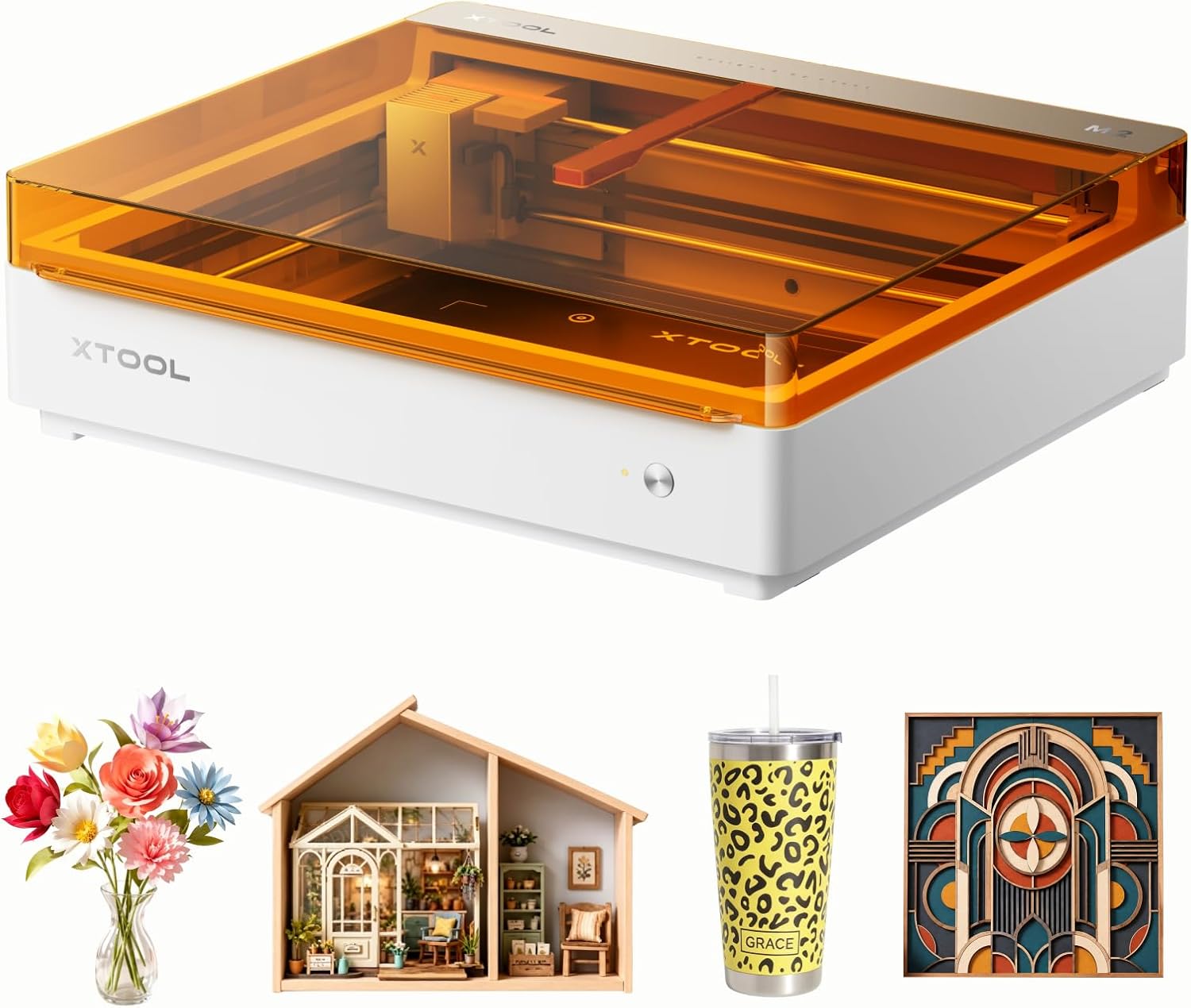
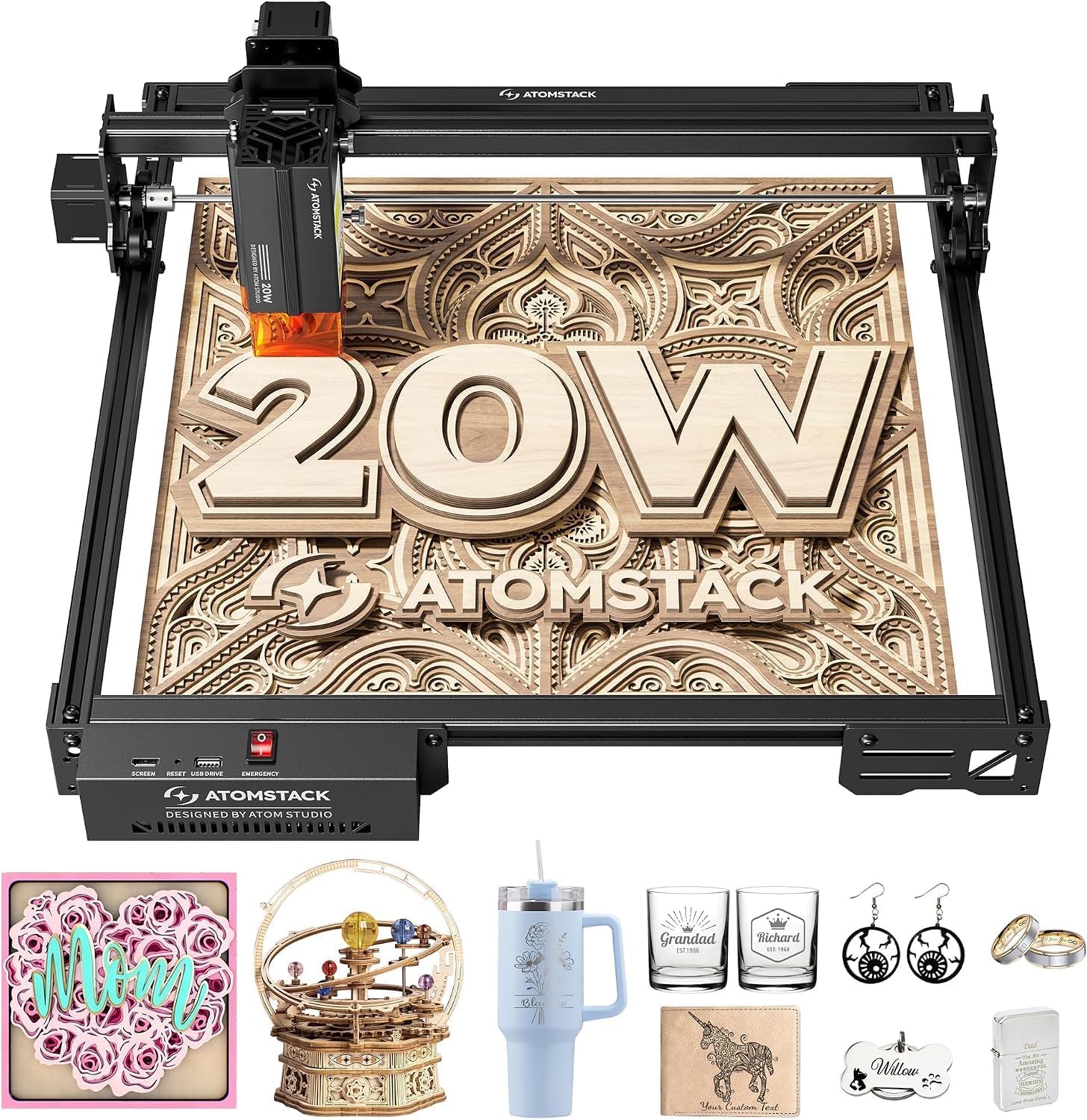
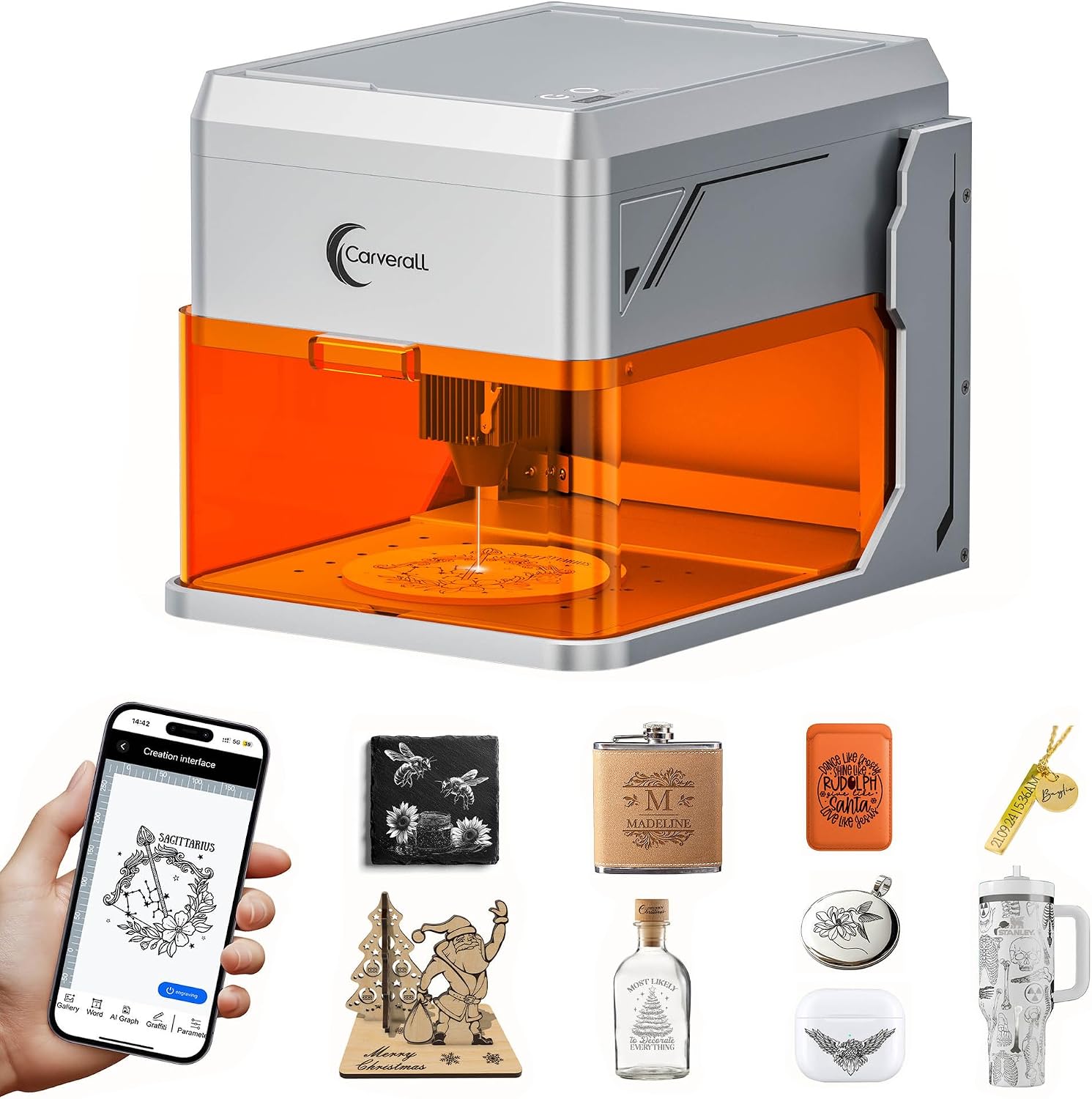
The Longer Ray5 Mini is a pre-assembled open frame of about 1.8 kg with a 140 × 130 mm working area and a published 0.04 × 0.04 mm spot. The Creality Falcon A1 is enclosed, CoreXY, with a 381 × 305 mm working area, a camera that reads the workpiece and an air assist set in the box. The choice between them is mostly a choice about the size of the objects, and about whether the machine sits in a closed box or in the open.
Watts without a kind
Both listings state a wattage and neither says whether it is electrical or optical. That is the single figure buyers compare lasers on, and here it cannot be compared honestly. The answer on electrical and optical laser power explains which of the two describes what the beam can engrave.
Eye protection is matched, not assumed
Laser glasses protect across a stated band of wavelengths at a stated optical density, and outside that band they are simply tinted plastic. The MCWlaser pair quotes 190–540 nm at OD7+ with 50 % visible light transmission and fits over prescription glasses. Whether that band covers a given engraver depends on the wavelength the maker of that laser publishes; the answer on optical density shows how to read the marking. Laser safety is read from the maker’s documentation for the machine, never from a guide.
A honeycomb bed for the Falcon A1
Creality’s JOZ-HB-A1 bed is made for the Falcon A1 and A1 Pro: 460 × 346 × 15 mm, 8 mm cells and a 430 × 316 mm maximum working area. A raised bed lets the beam leave the back of the work instead of scorching the surface beneath, and its 15 mm thickness changes the focus height — the answer on honeycomb beds and focus height covers the adjustment.
Smoke has to go somewhere
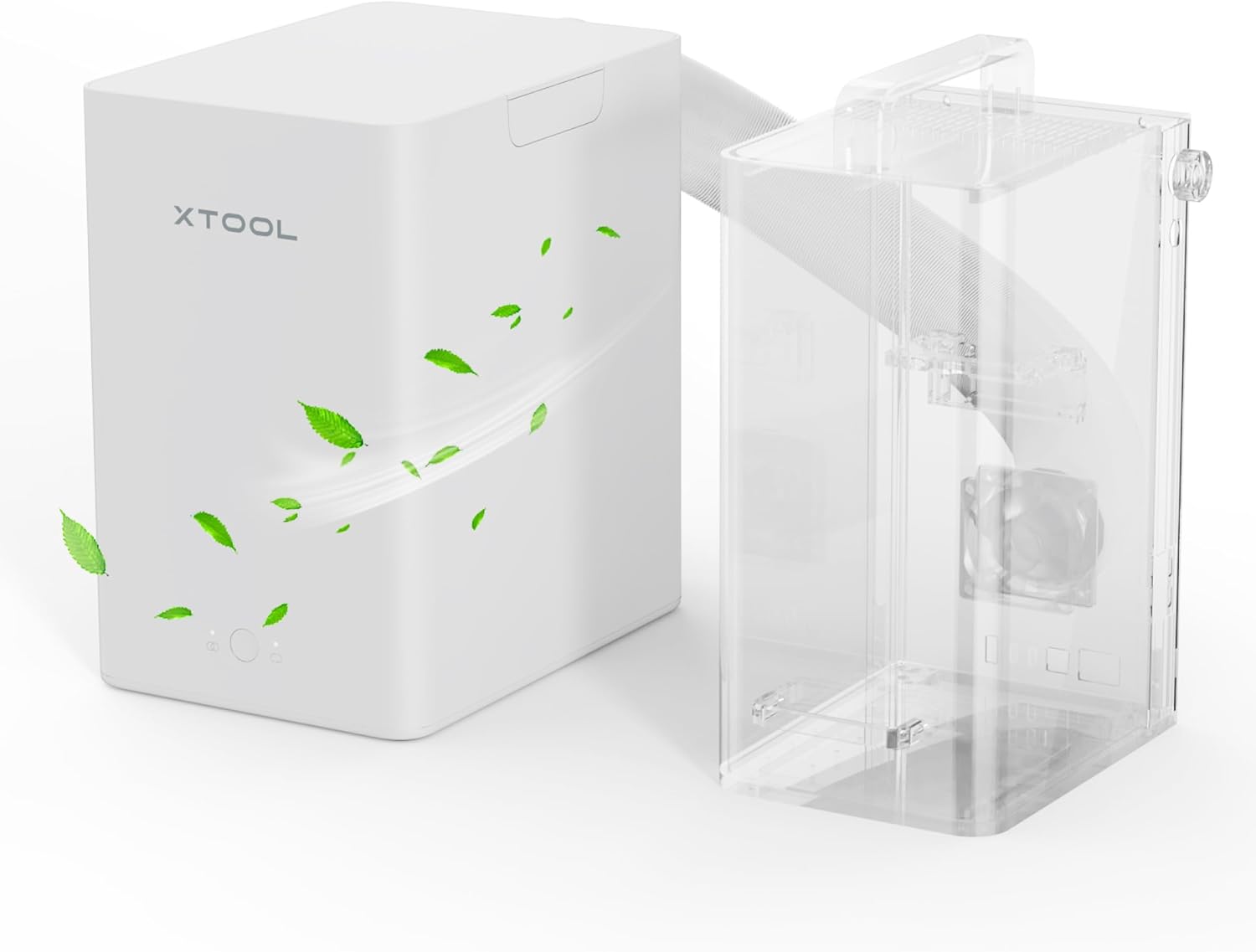
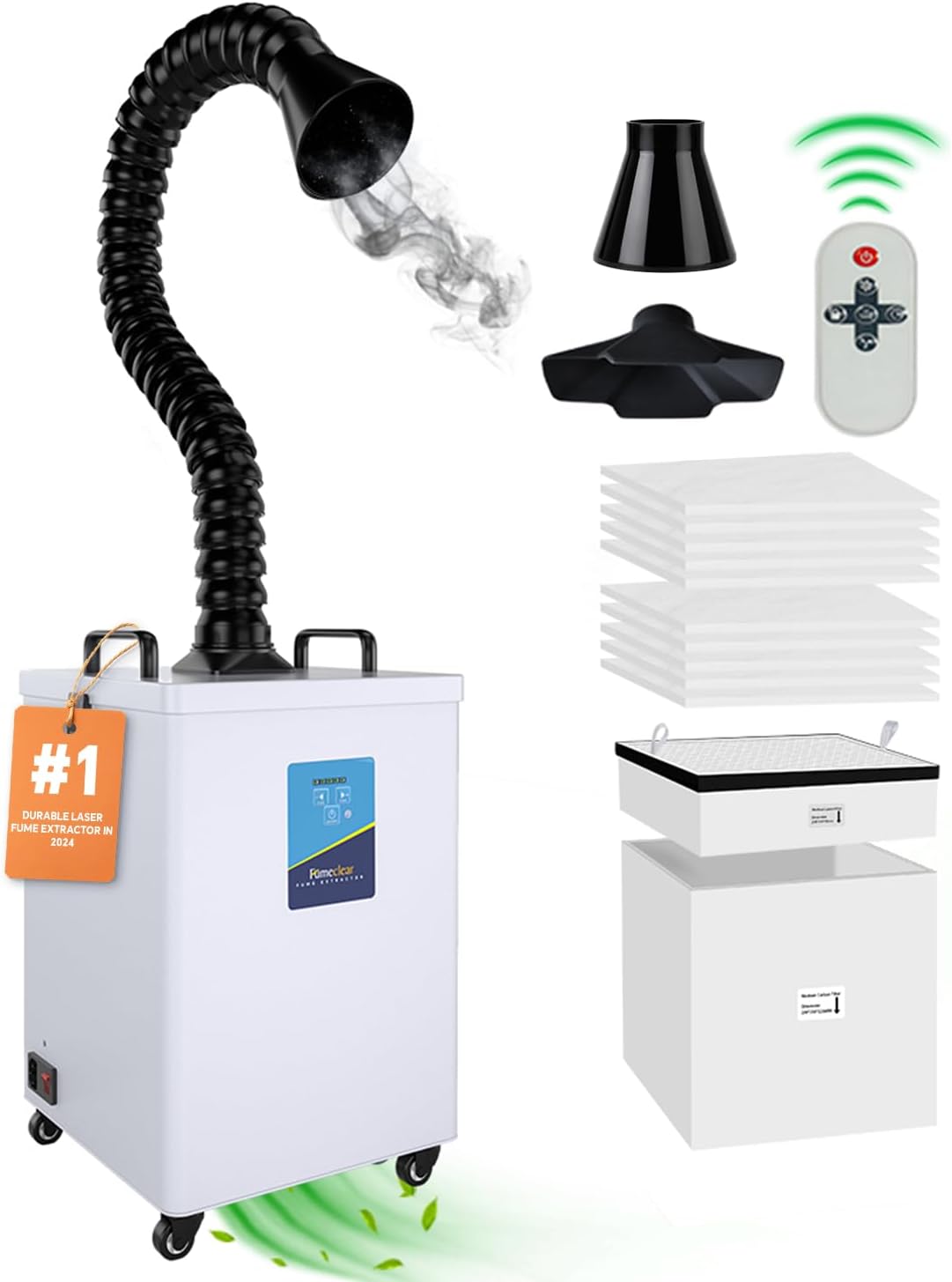
The Creality Falcon YW45 moves 115 m³/h through a two-layer filter and takes 63 or 76 mm hoses; its listing states the noise as both under and from 68 dB. A filter unit is one route and a duct to outside is another. The answer on whether a diode laser engraver needs ventilation and the advice on the first evening with a diode laser take the setup from there.
Questions makers ask before buying
Is a 10 W diode laser engraver twice as strong as a 5 W one?
Not on the figure alone. Diode machines are sold on electrical input and on optical output, and only the second describes the light that reaches the material. The Longer Ray5 Mini lists 3.5 W and the Creality Falcon A1 lists 10 W, and neither laser engraver listing says which kind of watt it means. The answer on electrical and optical laser power sets out the difference.
Which safety glasses go with a diode laser engraver?
Glasses whose marked wavelength band and optical density cover the wavelength the laser’s maker publishes, read from the machine’s manual or label. The MCWlaser pair is marked 190–540 nm DIRM LB7 to EN 207:2017. Neither engraver listing here gives a wavelength, so the match has to be made against the maker’s documentation, not against this page.
The Falcon A1 listing says glasses are not needed while watching. Is that right?
That sentence belongs to the Creality laser engraver listing, which describes the windows as filtering the laser light but publishes no laser class to support it. This guide does not repeat it as advice. The manual and the label on the machine are the references for how it should be used.