Moisture is the invisible reason many prints go wrong, and it is one of the easiest to deal with.
How moisture shows
Popping or hissing at the nozzle as water turns to steam. Stringing and fine threads that were not there before. Rough or bubbly surfaces and weaker layer bonding. Brittle filament that snaps in the feed path, particularly with PLA.
Drying a spool
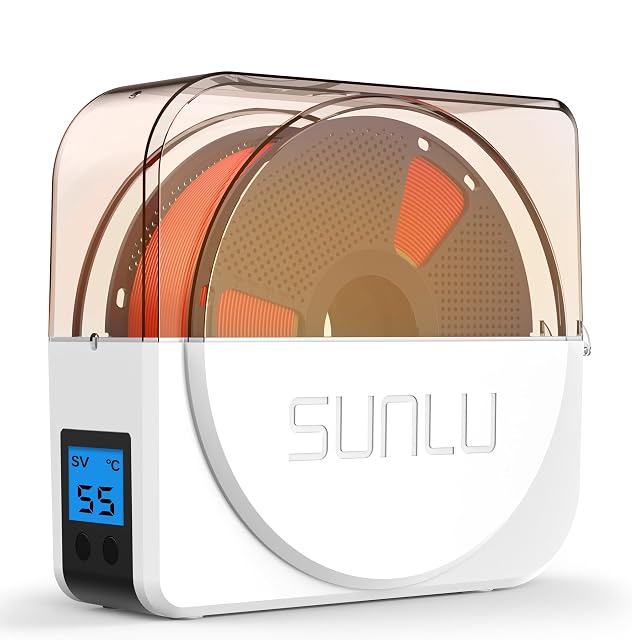
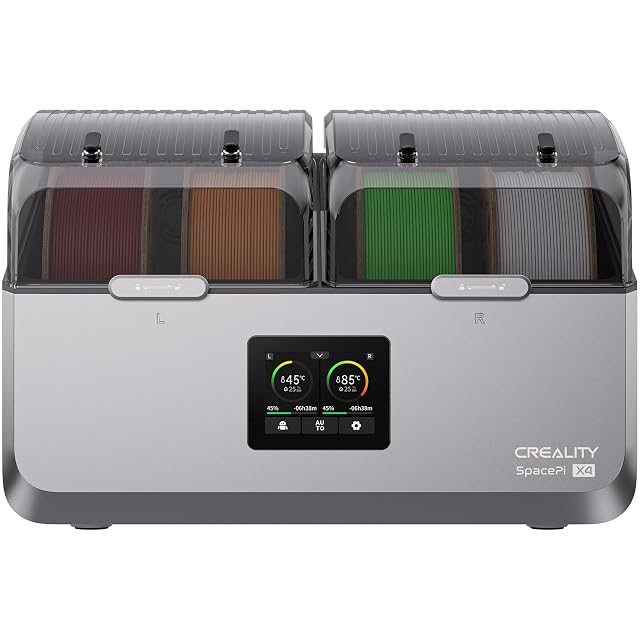
Use the drying temperature and time the filament maker publishes, which differ by material. A filament dryer holds that temperature steadily and some models let the spool feed straight to the printer while drying. Warm is the goal; hot enough to soften the spool is not.
Keeping it dry
Sealed boxes or vacuum bags with desiccant keep dried filament dry between prints. A hygrometer inside the box shows whether the seal and desiccant are working. Rechargeable desiccant can be dried and reused, following its own instructions.
Materials that need extra care
Nylon, TPU and many engineering filaments benefit from printing directly from a dry box, because they take up moisture during a long print. The filament maker’s advice says which ones need it.
A simple routine
Open a new spool only when it will be used. Return it to a sealed box with desiccant after printing. Dry any spool that starts stringing or popping before blaming the printer.
Questions makers ask before buying
Which filaments absorb moisture fastest?
Nylon is the most sensitive, followed by TPU and PETG. PLA takes up moisture more slowly but still does over time, especially in humid rooms.
Can filament be dried in a kitchen oven?
Kitchen ovens often overshoot their set temperature, which can soften a spool. A filament dryer holds a steadier temperature, and the filament maker’s drying temperature is the one to use in either case.
Last reviewed 15 September 2026