Skip to content

Sheet materials for a laser: plywood, acrylic and what to check first

Laser results depend on the sheet as much as on the machine. The glue in plywood, the flatness of a board and whether acrylic is cast or extruded decide how cleanly a job cuts, and all of them are stated by careful suppliers.

Choosing the sheet well saves more time than tuning settings for a poor one.

Laser plywood

Glue type: laser-grade plywood uses glue the beam passes evenly. Flatness: warped sheets go out of focus. Wood species: poplar, birch and basswood differ in colour and hardness. Sheet size matching the laser bed avoids pre-cutting.

MDF for laser cutting

MDF cuts cleanly and produces heavy smoke from its binders. Extraction matters more with MDF, as laser and board suppliers describe.

Acrylic sheets for lasers

Cast or extruded is the first question. Colour matters for diode lasers, which pass through clear and many light acrylics. Protective film type affects engraving through it.

Laser materials to identify first

Laser makers publish prohibited materials, and chlorinated plastics such as PVC are among them. Sheets of unknown composition are not processed.

Storing laser sheet materials

Store sheets flat and dry so they stay in focus across the bed, and keep offcuts for test grids.

Questions makers ask before buying

Why do some plywood sheets leave uncut patches?

The glue layers can resist the beam unevenly, especially in construction plywood. Plywood sold for lasers uses glues that cut more evenly.

Cast or extruded acrylic for engraving?

Cast acrylic engraves to a frosted white and is commonly chosen for engraving; extruded acrylic cuts with a smooth edge and engraves clear.

Last reviewed 15 September 2026
Machines this advice refers to

Nothing above asks for a new purchase. Where a machine comes up, its MakerVerdict review is linked here — each card opens the write-up, not a shop.

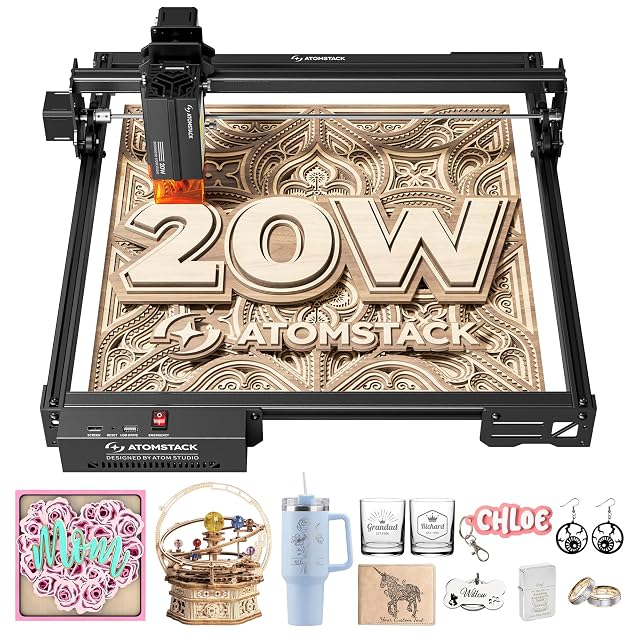
  • ATOMSTACK A20 Pro V2, 20 W output stated

    20 W (20,000 mW) output power stated · 0.08 × 0.1 mm spot · linear guides · limit switches, removable magnetic cover and tilt alarm · Type-C or USB stick · no working area published

    An open-frame diode engraver whose listing states 20 W of output power and a 0.08 × 0.1 mm spot, with linear guides, limit switches and a removable magnetic cover, and no working area.

    Best for: A maker cutting wood and acrylic regularly who wants a higher stated output and can confirm the working area first.

    ≈ $390 / 400 €

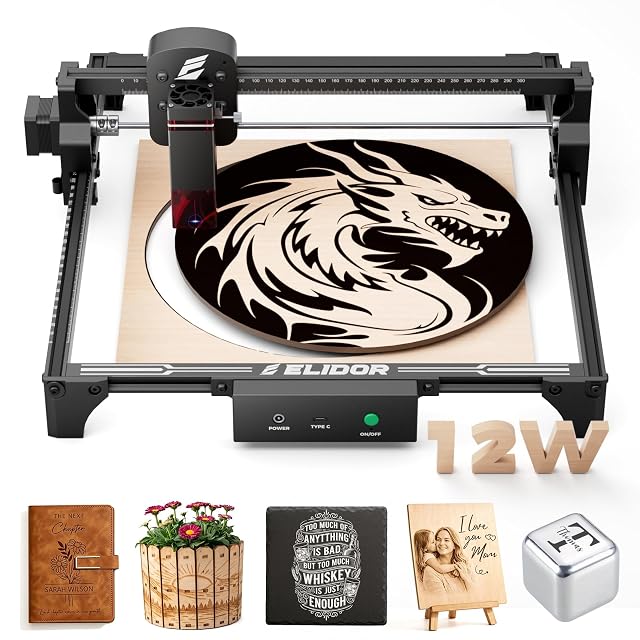
  • ELIDOR Z6 12 W, 300 × 300 mm area

    12 W and “60W Leistung” in the title, unexplained · 300 × 300 mm working area · 0.06 × 0.16 mm spot · 2.13 kg · LaserGRBL and LightBurn

    A 2.13 kg open-frame diode engraver with a 300 × 300 mm working area, whose title carries two power figures, 12 W and 60 W, and whose listing never says which one is the beam.

    Best for: A hobbyist who wants a larger square area for signs and gifts and will confirm the optical power with the maker.

    ≈ 199 €

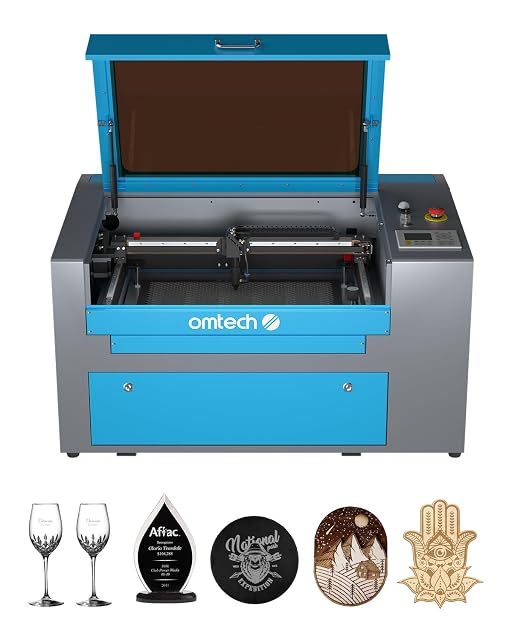
  • OMTech 50 W CO2, 300 × 500 mm bed

    50 W DC tube, up to 1,000 hours stated · 300 × 500 mm bed, honeycomb and aluminium blade · cover interlock · Class 1 stated · digital control panel · casters

    A 50 W CO2 engraver with a 300 × 500 mm working area on honeycomb and blade beds, a cover interlock that cuts the beam, and a tube the listing rates for up to 1,000 operating hours.

    Best for: A small business moving from diode to CO2 for wood, acrylic, glass and leather, with space and ventilation already planned.

    ≈ 1850 €

A price quoted in the text of a MakerVerdict page dates from the day that page was written; the live figure beside each product is fetched while you read and replaces it.