Skip to content

A clean resin printer: vat, plate, screen and resin

Resin printers fail less when a few cleaning habits become routine. Most of them take minutes and prevent the failures that cost a release film, a screen or an evening of cleaning.

Resin printing rewards cleanliness more than any other hobby printing process.

After a failed resin print

Stop and inspect the vat. Filter the resin through a fine filter to remove cured pieces. Remove any cured layer from the film carefully, following the maker’s advice.

Cleaning the resin build plate

Scrape cured resin gently and wipe the plate with the washing liquid the resin maker names, wearing gloves. Keep the plate’s surface free of scratches that hold resin.

Protecting the resin printer screen and film

Never press on the film with sharp tools. Keep a screen protector in place if the maker supplies one. Check the film for scratches and punctures before each session.

Storing resin between prints

Close the vat or return resin to its bottle as makers advise. Store bottles cool and dark, and shake or stir resin before use, since pigments settle.

Routine resin printer checks

Tighten the build plate and check levelling after moves. Wipe resin from the Z-axis area, and clean the printer exterior so resin does not spread to handles and surfaces.

Questions makers ask before buying

Can resin be left in the vat between prints?

For short periods, many makers allow it with the lid closed and away from light; for longer breaks, returning resin to its bottle is common advice. The resin and printer makers’ guidance applies.

How is cured resin removed from the vat?

Many printers offer a vat-cleaning exposure that cures a thin sheet which lifts out, removing debris. The printer maker describes it.

Last reviewed 15 September 2026
Machines this advice refers to

Nothing above asks for a new purchase. Where a machine comes up, its MakerVerdict review is linked here — each card opens the write-up, not a shop.

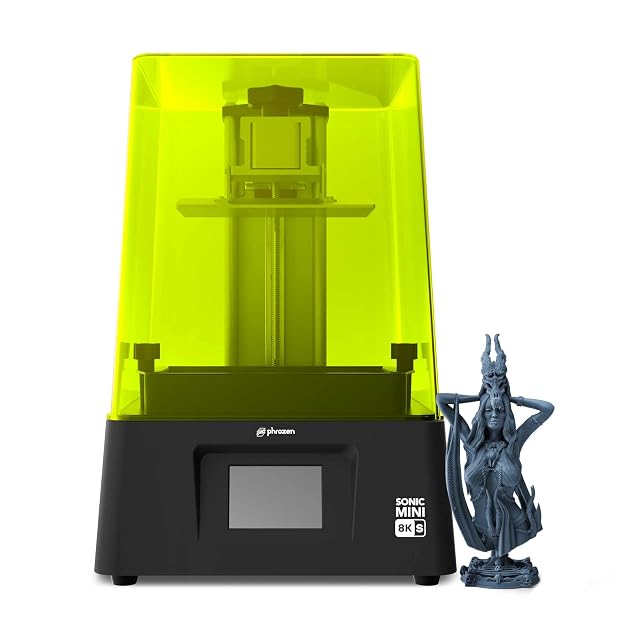
  • Phrozen Sonic Mini 8K S, 22 µm XY

    8K mono LCD, 7.1 inch · 22 µm XY resolution · 165 × 72 × 170 mm build volume · load up to 10 kg · Lychee, Chitubox and Tango supported

    A 7.1 inch 8K mono-LCD resin printer that publishes a 22 µm XY resolution and a 165 × 72 × 170 mm build volume, and supports several third-party slicers.

    Best for: A miniature printer where a published 22 µm pitch and a choice of slicer matter more than build area.

    ≈ 361 €

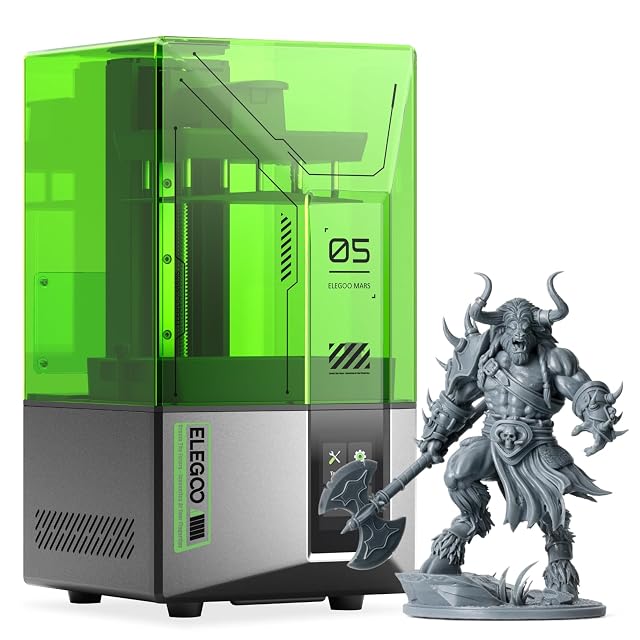
  • ELEGOO Mars 5, 4K mono LCD

    4K mono LCD · COB light source · 143.43 × 89.6 × 150 mm build volume · one-click auto-levelling · residue detection · overheat stop above 80 °C LED temperature

    A 4K mono-LCD resin printer with one-click auto-levelling, a sensor that detects residue before it damages the screen, and an overheat cut-out, whose listing does not publish the pixel pitch.

    Best for: A first resin printer for miniatures, where protection against a damaged screen and a self-check matter more than size.

    ≈ £200 / 209 €

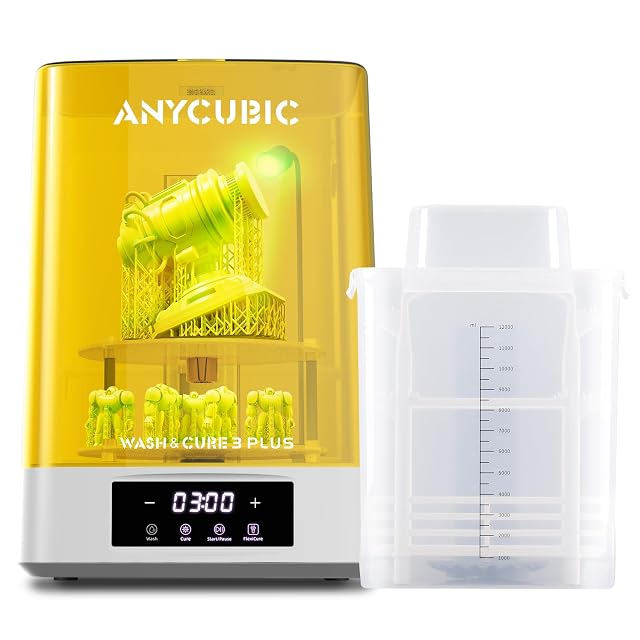
  • ANYCUBIC Wash & Cure 3 Plus, 228 × 128 × 260 mm wash size

    228 × 128 × 260 mm wash size, 7.6 l basket · two basket heights, 150 and 250 mm · Flexicure gooseneck light · two-layer curing platform · for 6.6–10.6 in platforms

    A wash and cure station with a 228 × 128 × 260 mm wash size and a 7.6 litre two-layer basket that washes with the build platform attached, and a rotatable gooseneck light for curing hidden areas.

    Best for: An owner of a resin printer up to 10.6 inches who wants to wash parts on the platform and cure larger or taller models.

    ≈ 153 €

A price quoted in the text of a MakerVerdict page dates from the day that page was written; the live figure beside each product is fetched while you read and replaces it.