Skip to content

A room for laser and resin: space, power and air

Lasers and resin printers are the two hobby machines whose surroundings matter as much as the machine. Planning the space before delivery avoids the most common mistake: a machine installed where its fumes have nowhere to go.

The machine is the easy part to choose. The room around it decides whether it can be used every evening or only on warm days with the window open.

A surface that suits the machine

Stable and level for printers, which vibrate. Fire-resistant for lasers, with nothing flammable around the working area. Easy to clean for resin, which drips. The maker’s dimensions and weight, plus clearance for doors and lids, set the minimum size.

A route for the air

Plan where the smoke from a laser and the fumes from resin washing will go before the machine arrives. Venting outdoors through a window or wall duct is one route; a fume extractor with filters is another, chosen by the airflow and filter stages its maker publishes. The laser or resin maker’s manual states what its machine requires.

Power and cables

Each machine’s power draw is published on its rating plate. A dedicated socket avoids extension cords under a hot machine, and cables should stay clear of moving parts and heated surfaces.

Storage for consumables

Resin bottles belong in a cool, dark, closed place away from children and pets, as their labels describe. Filament goes in sealed boxes. Laser materials are best stored flat so they stay in focus.

Safety equipment within reach

Eye protection marked for the laser’s wavelength, nitrile gloves for resin, a fire extinguisher suited to the materials, and a first-aid kit. The makers’ instructions list what each machine requires, and this site reports those requirements rather than judging any set-up safe.

Questions makers ask before buying

Can a laser and a resin printer share a room?

Many hobby workshops do, but each machine’s ventilation and storage requirements still apply separately. Both makers’ installation instructions are the reference for what the room needs.

Does resin need a heated room?

Many resins print more reliably within a temperature range their makers publish, and cold rooms slow curing. Some printers heat their vat; others rely on the room.

Last reviewed 15 September 2026
Machines this advice refers to

Nothing above asks for a new purchase. Where a machine comes up, its MakerVerdict review is linked here — each card opens the write-up, not a shop.

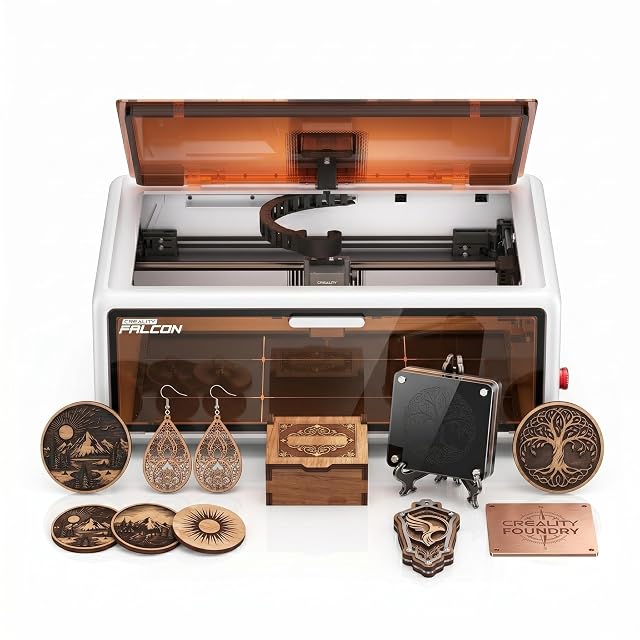
  • Creality Falcon A1 10 W, enclosed CoreXY, 381 × 305 mm

    10 W diode, type of power not stated · 381 × 305 mm working area · enclosed with lid auto-stop · HD camera and material recognition · CoreXY, up to 600 mm/s · air assist set included

    The dearest of the five diode engravers on this site, a fully enclosed CoreXY machine with a 381 × 305 mm area, a camera that recognises material and loads settings, and an air assist set in the box.

    Best for: A home studio wanting an enclosed, camera-guided engraver with a larger area and air assist from day one.

    ≈ 501 €

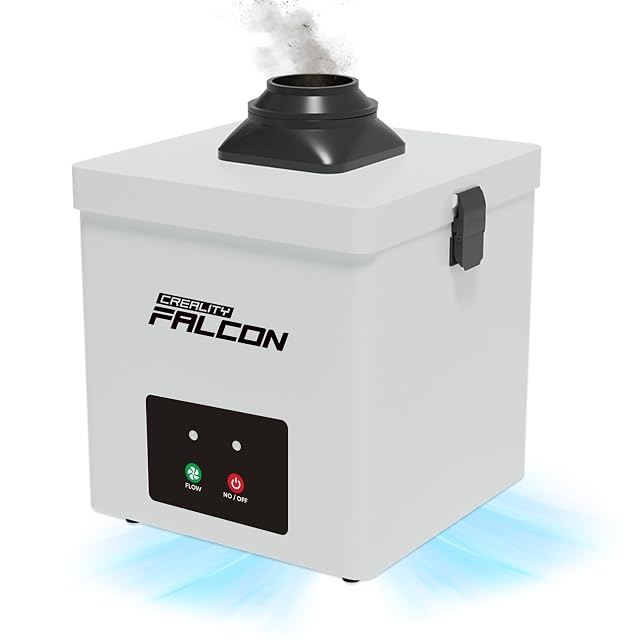
  • Creality Falcon YW45, 115 m³/h, for the Falcon A1

    115 m³/h · two-layer filter · 63 and 76 mm exhaust ports · 3 speeds · 68 dB, stated both as under and as from · 18.5 × 18.5 × 20.5 cm · 100–240 V

    A compact fume filter designed for Creality’s enclosed Falcon A1 engraver, moving 115 m³/h through a two-layer filter, with a port for 63 and 76 mm hoses and a noise figure its title and bullets state two different ways.

    Best for: An owner of the enclosed Falcon A1 who wants a matched filter unit rather than a duct to a window.

    ≈ £279 / 279 €

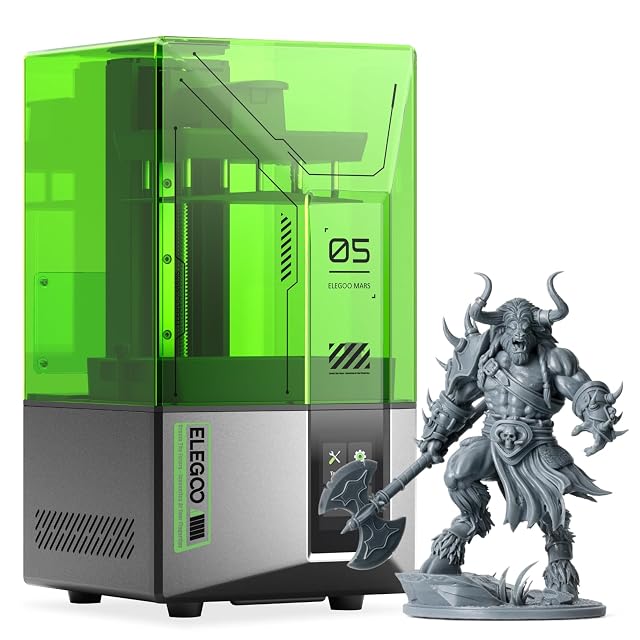
  • ELEGOO Mars 5, 4K mono LCD

    4K mono LCD · COB light source · 143.43 × 89.6 × 150 mm build volume · one-click auto-levelling · residue detection · overheat stop above 80 °C LED temperature

    A 4K mono-LCD resin printer with one-click auto-levelling, a sensor that detects residue before it damages the screen, and an overheat cut-out, whose listing does not publish the pixel pitch.

    Best for: A first resin printer for miniatures, where protection against a damaged screen and a self-check matter more than size.

    ≈ £200 / 209 €

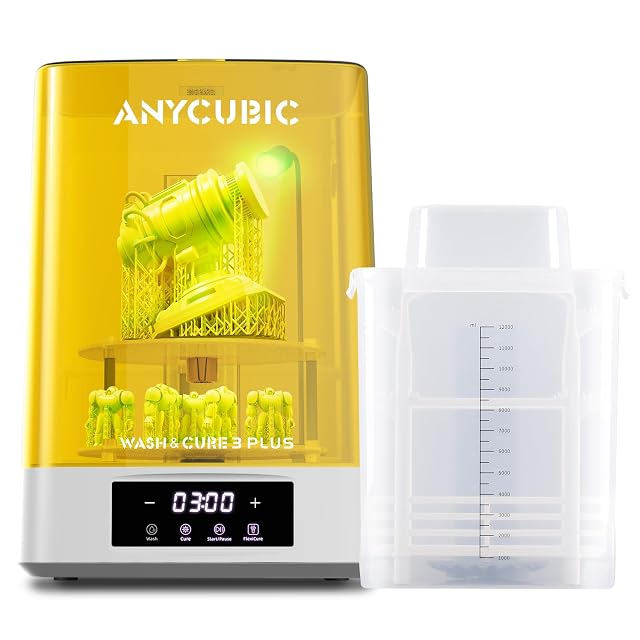
  • ANYCUBIC Wash & Cure 3 Plus, 228 × 128 × 260 mm wash size

    228 × 128 × 260 mm wash size, 7.6 l basket · two basket heights, 150 and 250 mm · Flexicure gooseneck light · two-layer curing platform · for 6.6–10.6 in platforms

    A wash and cure station with a 228 × 128 × 260 mm wash size and a 7.6 litre two-layer basket that washes with the build platform attached, and a rotatable gooseneck light for curing hidden areas.

    Best for: An owner of a resin printer up to 10.6 inches who wants to wash parts on the platform and cure larger or taller models.

    ≈ 153 €

A price quoted in the text of a MakerVerdict page dates from the day that page was written; the live figure beside each product is fetched while you read and replaces it.