The dearest of the five diode engravers on this site, a fully enclosed CoreXY machine with a 381 × 305 mm area, a camera that recognises material and loads settings, and an air assist set in the box.
The bottom line The most complete machine of the five for a home user — enclosure, camera, air assist, stated working area. The listing then goes further than its specifications support, promising risk-free use and no glasses without a published laser class.
The Falcon A1 listing, bullet by bullet
Five bullets: plug-and-play with no assembly in a closed white design; an HD camera that scans the workpiece, loads optimal power and speed settings and places designs by drag and drop in the Falcon Design Space app; a CoreXY motion system with two motors, engraving up to 600 mm/s at 0.01 mm accuracy, and a 10 W diode cutting up to 6 mm basswood in one pass; a fully enclosed housing with transparent windows that filter the laser light, described as making glasses unnecessary while watching, and a lid sensor that stops the laser; and a 381 × 305 mm area in die-cast metal, compatibility with Windows, macOS, Falcon Design Space, LightBurn and LaserGRBL, and a free air assist set.
Enclosure claims against a missing class
The housing is described in strong terms: filtered light, no glasses needed, risk-free use. A laser class is the classification that would say what the enclosure achieves, and the page publishes none. The site does not repeat the maker’s conclusion; the lid sensor and windows are reported as features, and the manual is where use is defined.
Camera and material recognition
Scanning the workpiece to load settings is the Falcon A1’s distinctive feature. It shortens setup for materials the software knows; the listing does not list which ones.
Air assist in the Creality box
Air assist clears smoke from the cut and protects the lens, as the fifth bullet says, and none of the four other diode listings on this site mentions one. Here it is included, which matters for the 6 mm basswood claim, since cutting depth depends on keeping the kerf clear.
Availability
At the last look-up, the German, French, Italian and Spanish Amazon stores were asking 501 € to 589 €.
The American Amazon catalogue lists the product, yet no seller was offering it.
The British Amazon store returned no entry, so the buy button there opens a search rather than a missing page.
Every figure here is Keepa’s reading on the date this page was last updated. Stock and prices can change at any time.
Prices quoted in this text were read on 15 September 2026. The live price is at the top of the page.
Where it earns its place, and where it falls short
Strengths
Publishes a 381 × 305 mm working area and includes an air assist set
An HD camera that scans the workpiece and loads power and speed settings, with drag-and-drop placement
Delivered ready to use, with a lid sensor that stops the laser when opened
Compromises
No laser class published, although the listing describes the housing as filtering the laser light
The 10 W figure is not identified as optical output, and no spot size is given
The listing’s claims that glasses are unnecessary while watching and that use is risk-free are the maker’s alone
Specifications
Optical output power
Absent from the listing as optical power — a 10 W diode laser is stated in the title and third bullet
Working area
381 × 305 mm, title and fifth bullet
Spot size
Absent from the listing
Air assist
Air assist set included free, fifth bullet
Published laser class
Absent from the listing — the housing is described as filtering the laser light, with no class given
Enclosure
Fully enclosed with transparent windows; a sensor stops the laser when the lid opens, fourth bullet
Software compatibility
Falcon Design Space, LightBurn (sold separately) and LaserGRBL, on Windows and macOS, fifth bullet
Amazon reference
B0H5WF1P34 (same reference on 5 Amazon marketplaces)
EAN
0198549123097
Questions makers ask before buying
How thick can the Falcon A1 cut?
The third bullet states up to 6 mm basswood in a single pass. That is the maker’s claim for one wood; other materials and thicknesses are not given.
Does it need safety glasses?
The fourth bullet says the windows filter the laser light and that glasses are not required while watching. The listing publishes no laser class to support that, and this page does not repeat it as advice: the maker’s manual is the reference.
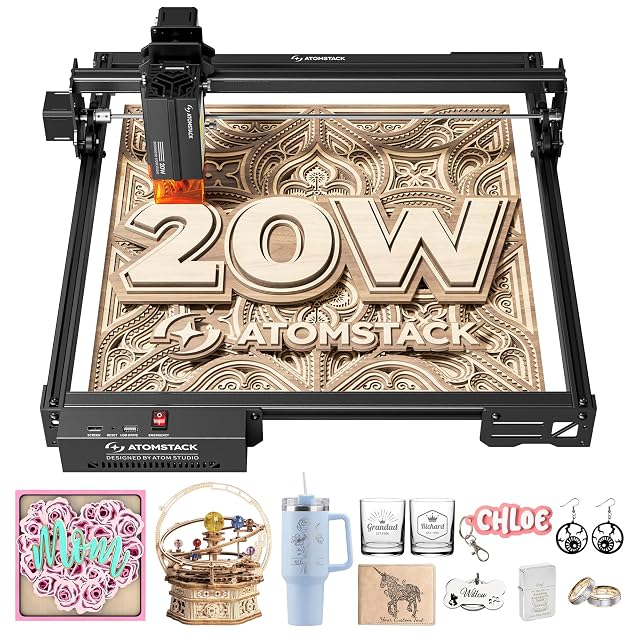
20 W (20,000 mW) output power stated · 0.08 × 0.1 mm spot · linear guides · limit switches, removable magnetic cover and tilt alarm · Type-C or USB stick · no working area published
An open-frame diode engraver whose listing states 20 W of output power and a 0.08 × 0.1 mm spot, with linear guides, limit switches and a removable magnetic cover, and no working area.
Best for: A maker cutting wood and acrylic regularly who wants a higher stated output and can confirm the working area first.
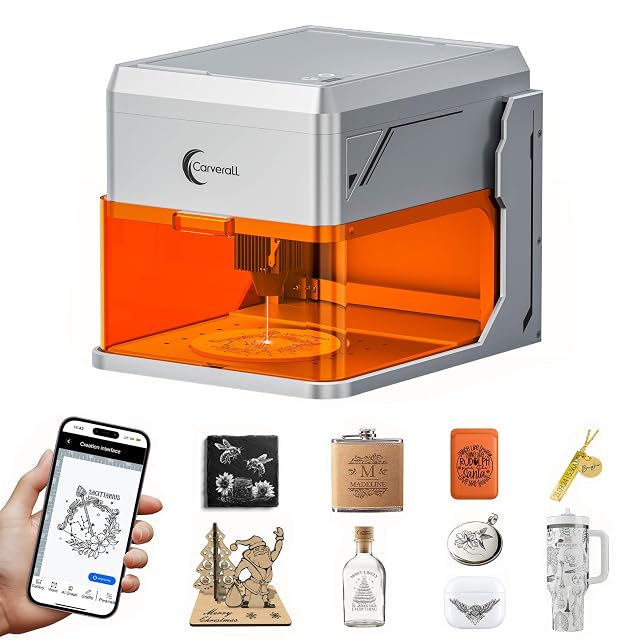
5 W, type of power not stated · fully enclosed, Class 1 stated · HD camera with live preview · lid stop and 15° tilt detection · working height up to 27 cm · CutLabX, LightBurn and LaserGRBL
A pre-assembled, fully enclosed 5 W engraver with an HD camera for positioning designs, stated as Class 1, whose listing publishes a 27 cm working height but no working area.
Best for: Engraving personalised gifts at home, positioned by camera, in an enclosed machine.
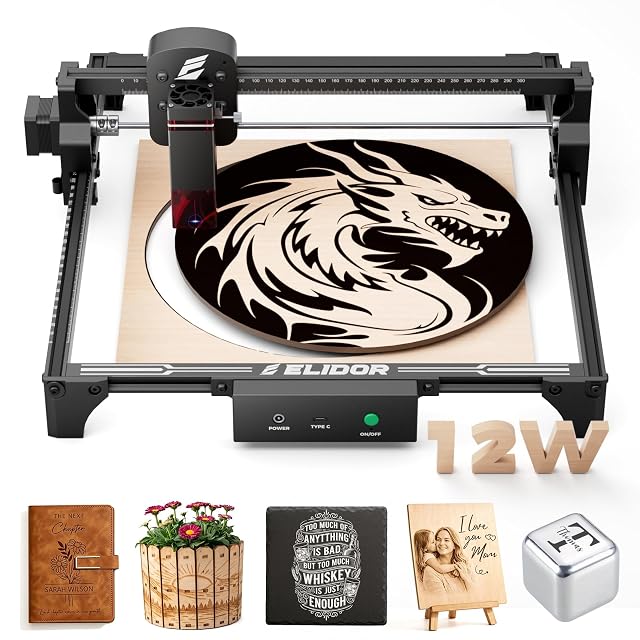
12 W and “60W Leistung” in the title, unexplained · 300 × 300 mm working area · 0.06 × 0.16 mm spot · 2.13 kg · LaserGRBL and LightBurn
A 2.13 kg open-frame diode engraver with a 300 × 300 mm working area, whose title carries two power figures, 12 W and 60 W, and whose listing never says which one is the beam.
Best for: A hobbyist who wants a larger square area for signs and gifts and will confirm the optical power with the maker.