Skip to content

Routine care that keeps a printer running

Filament printers wear gradually, and most failures announce themselves through small changes in print quality long before a part breaks. A short routine catches those changes early and follows the maintenance schedule the maker publishes.

A printer that is looked after regularly spends its evenings printing rather than being repaired.

Every print

Keep the build plate clean, following the plate maker’s cleaning advice for its surface. Watch the first layer; a change in how it looks is often the first sign that something has moved.

Every few weeks

Check belt tension and look for fraying. Clean dust and filament debris from the extruder gears. Check that fans spin freely and are not clogged. Tighten any frame screws that have worked loose.

When the maker’s schedule says so

Lubricate rails, rods and lead screws with the lubricant the maker specifies. Update firmware only when the update addresses something relevant, and read its release notes first.

Parts that wear

Nozzles, especially with abrasive filaments. PTFE tubes in Bowden set-ups and in some hotends, which degrade with heat. Build plate surfaces, which lose grip over time. Belts, which stretch. Keeping one spare of each small part avoids waiting days for delivery.

Keep a log

A short record of what was replaced and when shows which parts wear fastest on a particular printer, and it makes the next repair quicker.

Questions makers ask before buying

How often should a nozzle be changed?

When it clogs repeatedly, when prints show under-extrusion that other fixes do not solve, or sooner with abrasive filaments that wear brass quickly. There is no fixed interval.

Which lubricant should rails and screws get?

The one the printer maker specifies. Different motion systems use different greases and oils, and the wrong one can collect dust or damage plastic parts.

Last reviewed 15 September 2026
Machines this advice refers to

Nothing above asks for a new purchase. Where a machine comes up, its MakerVerdict review is linked here — each card opens the write-up, not a shop.

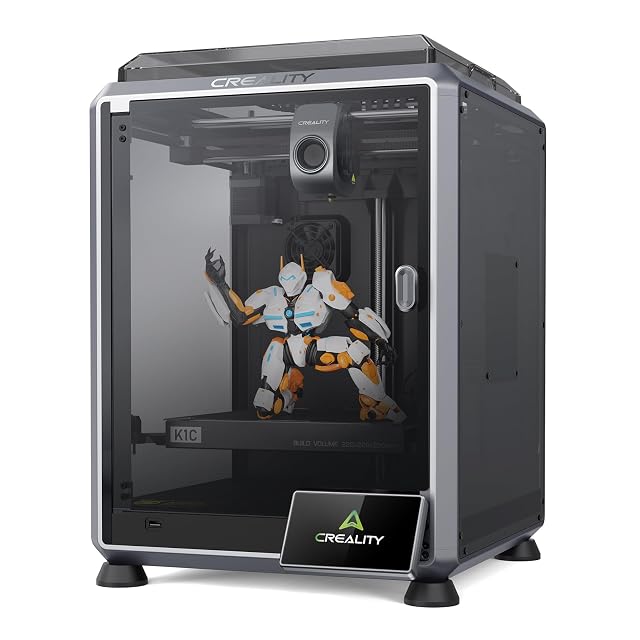
  • Creality K1C 2025, enclosed CoreXY with AI camera

    No build volume published · enclosed · CoreXY at 600 mm/s and 20,000 mm/s² maximum · direct drive · 300 °C hotend with hardened steel nozzle · auto-levelling and Z-offset

    The dearest of the seven FDM printers here, an enclosed CoreXY with a 300 °C hotend and hardened steel nozzle for carbon-fibre filaments, whose listing publishes acceleration and temperature but no build volume.

    Best for: A maker moving to carbon-filled and engineering filaments who wants an enclosed printer with a hardened nozzle already fitted.

    ≈ 449 €

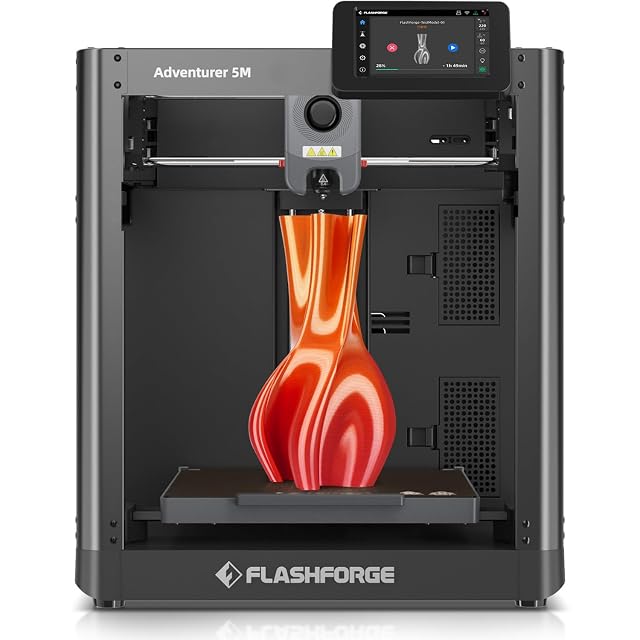
  • Flashforge Adventurer 5M, 220 mm CoreXY

    220 × 220 × 220 mm build volume · all-metal CoreXY · one-click automatic levelling · 3-second quick-change nozzles 0.25 to 0.8 mm · double-sided PEI plate · 600 mm/s maximum

    A CoreXY printer with a 220 mm cube build volume, tool-free nozzles in four diameters that change in three seconds, and a double-sided PEI plate whose back is meant for PETG.

    Best for: Someone printing everyday PLA and PETG parts who wants a published 220 mm volume and the option of a fine or a fast nozzle.

    ≈ 249 €

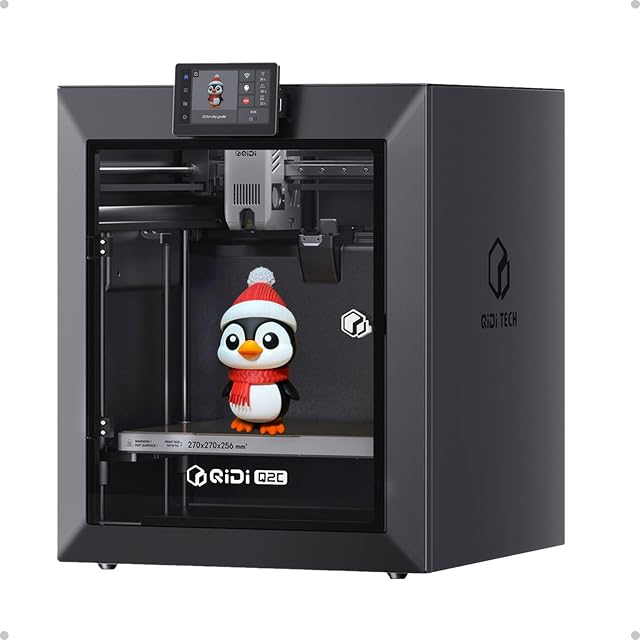
  • QIDI Q2C enclosed CoreXY, 270 mm build volume

    270 × 270 × 256 mm build volume · enclosed · full-metal CoreXY with linear rails · nozzle-integrated levelling sensor · high-temperature nozzle to 370 °C · no chamber heater

    An enclosed CoreXY printer with a 270 × 270 × 256 mm build volume and a nozzle-integrated levelling sensor, whose listing states clearly what it lacks compared with the Q2: no chamber heater, no AI camera, no air filtration.

    Best for: A buyer who wants an enclosed, larger CoreXY printer and is prepared to add ventilation rather than pay for the Q2’s heater and filter.

    ≈ 349 €

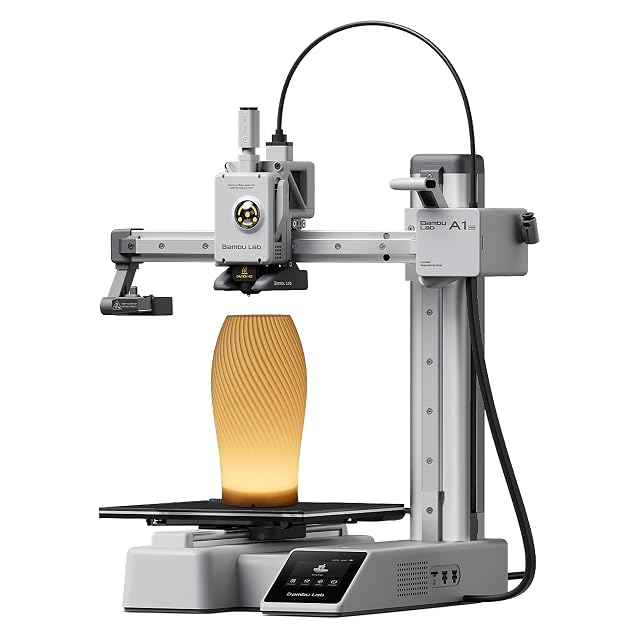
  • Bambu Lab A1 Mini with LED lamp kit

    No build volume published · fully automatic calibration · eddy-current nozzle pressure sensor · LED lamp set included · MakerWorld and Bambu Handy app

    A compact printer bundled with an LED lamp kit, whose listing describes an eddy-current sensor that measures nozzle pressure and fully automatic calibration, and publishes neither a build volume nor a speed.

    Best for: A beginner who wants a printer that calibrates itself and a ready-made first project, and who is content to work inside the maker’s app and library.

    ≈ $249 / £169 / 219 €

A price quoted in the text of a MakerVerdict page dates from the day that page was written; the live figure beside each product is fetched while you read and replaces it.