Skip to content

Diode or CO2: choosing a laser by the materials you will use

The two kinds of hobby laser are sold side by side, and their wattages look comparable when they are not. The better way to choose is to start from the materials, then read the figures each maker publishes for them.

The choice between the two is less about power than about wavelength, and wavelength decides which materials respond.

Start from the material list

Write down what the laser should process most often. Wood, card, leather and dark acrylic suit both kinds. Clear acrylic and glass engraving point to CO2. Bare metal marking points to a fibre laser, which is a third machine altogether.

Read the power figures carefully

Diode lasers are often named after their electrical consumption, while the optical output that reaches the material is smaller and printed further down. CO2 lasers are usually described by tube power. The two are not directly comparable, so compare each maker’s published cutting claims — a thickness of a named material in a stated number of passes — rather than the wattage.

Consider the machine around the laser

Diode machines are often open frames, light enough for a table, with enclosures sold separately or built in on some models. CO2 machines are larger, need water cooling for the tube and an exhaust, and weigh far more. The space, the ventilation route and the cooling each maker specifies decide whether one fits a room.

What both need

Extraction or filtration of smoke, eye protection marked for the machine’s wavelength, a fire-resistant surface and supervision while running. These come from the maker’s manual and its laser class marking, and this site does not describe any set-up as safe.

A reasonable order of decision

Materials first, then working area, then the published cutting claims, then the space and ventilation the maker requires, and only then the price.

Questions makers ask before buying

Can a diode laser cut clear acrylic?

Generally not: its light passes through clear and many light-coloured acrylics. Dark or opaque acrylic suits diode lasers, and CO2 lasers are the usual choice for clear sheet.

Which one marks metal?

Neither marks bare metal as well as a fibre laser. Diode and CO2 lasers can mark coated or anodised metal and use marking sprays, as their makers describe; bare steel marking is fibre laser territory.

Last reviewed 15 September 2026
Machines this advice refers to

Nothing above asks for a new purchase. Where a machine comes up, its MakerVerdict review is linked here — each card opens the write-up, not a shop.

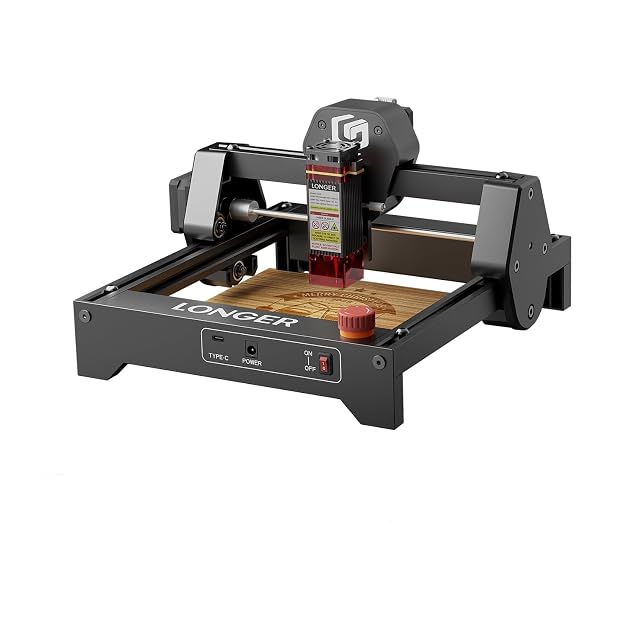
  • Longer Ray5 Mini 3.5 W, 140 × 130 mm area

    3.5 W, type of power not stated · 140 × 130 mm working area · 0.04 × 0.04 mm spot · pre-assembled, about 1.8 kg · LaserGRBL and LightBurn · emergency stop

    A pre-assembled 1.8 kg diode engraver with a 140 × 130 mm working area, sold with a laser shield and safety glasses, whose listing gives a 3.5 W figure without saying whether it is optical or electrical.

    Best for: A first engraver for tags, small wooden signs and leather patches, used with the included glasses.

    ≈ 104 €

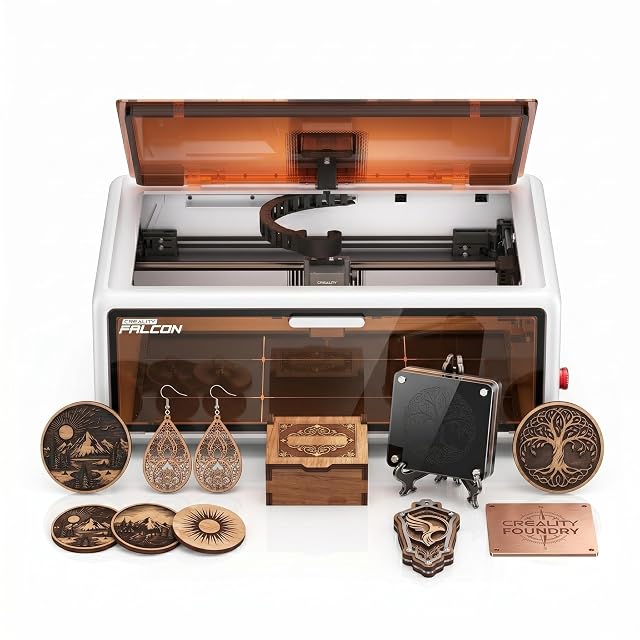
  • Creality Falcon A1 10 W, enclosed CoreXY, 381 × 305 mm

    10 W diode, type of power not stated · 381 × 305 mm working area · enclosed with lid auto-stop · HD camera and material recognition · CoreXY, up to 600 mm/s · air assist set included

    The dearest of the five diode engravers on this site, a fully enclosed CoreXY machine with a 381 × 305 mm area, a camera that recognises material and loads settings, and an air assist set in the box.

    Best for: A home studio wanting an enclosed, camera-guided engraver with a larger area and air assist from day one.

    ≈ 501 €

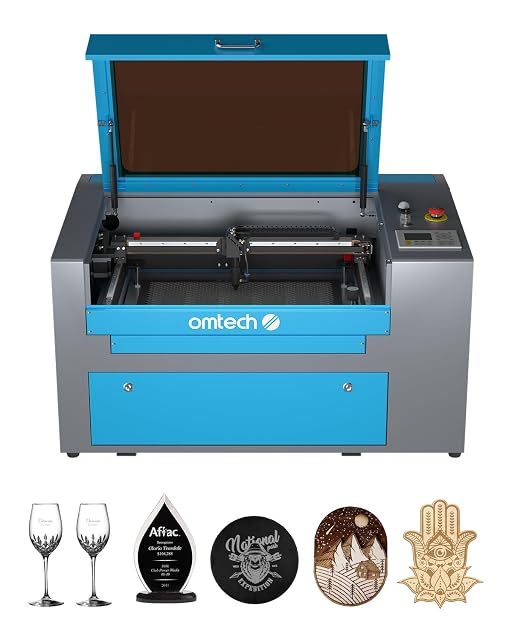
  • OMTech 50 W CO2, 300 × 500 mm bed

    50 W DC tube, up to 1,000 hours stated · 300 × 500 mm bed, honeycomb and aluminium blade · cover interlock · Class 1 stated · digital control panel · casters

    A 50 W CO2 engraver with a 300 × 500 mm working area on honeycomb and blade beds, a cover interlock that cuts the beam, and a tube the listing rates for up to 1,000 operating hours.

    Best for: A small business moving from diode to CO2 for wood, acrylic, glass and leather, with space and ventilation already planned.

    ≈ 1850 €

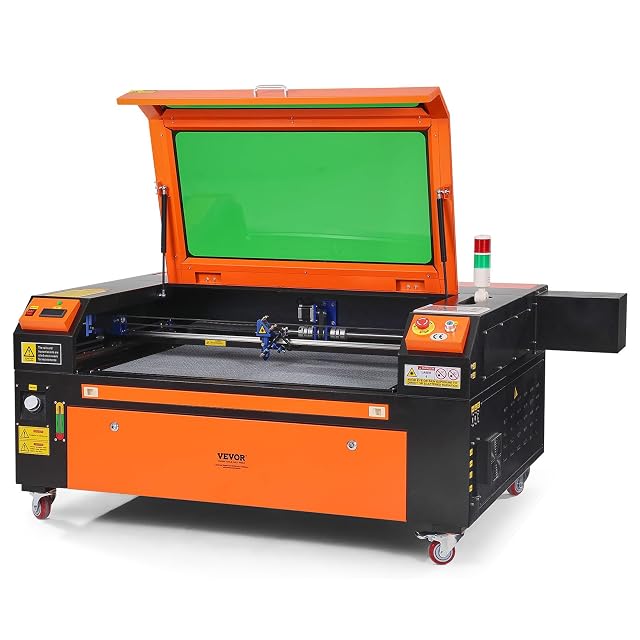
  • VEVOR 100 W CO2, 600 × 900 mm, pass-through doors

    100 W CO2 · 600 × 900 mm honeycomb bed · front and rear pass-through doors · air assist · power cut on opening and emergency stop · red dot pointer · LightBurn, CorelDRAW and AutoCAD

    A 100 W CO2 engraver with a 600 × 900 mm honeycomb bed and pass-through doors front and rear, whose listing claims 15 mm cuts in one pass and describes a tinted window and a power cut when opened.

    Best for: A workshop cutting large sheets or long boards through the pass-through doors, with room for a cabinet on wheels.

    ≈ 1983 €

A price quoted in the text of a MakerVerdict page dates from the day that page was written; the live figure beside each product is fetched while you read and replaces it.